1
FPE32 Configuration
9.
2 - 31
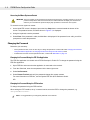
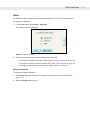
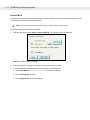
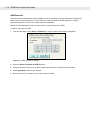
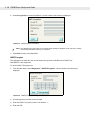
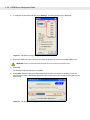
When the software finishes downloading, as shown in Figure 2-43, select Exit.
Figure 2-43 WinStream download completed dialog box
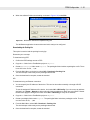
The WinStream application closes and the terminal is ready to be configured.
Downloading the Packing List
This option is used to load the packing list using ftp.
Determine your next step:
To download using PPP:
1.
Confirm the ECR settings are set to PPP.
2.
Copy the dl folder for the FormBuilder project to ftproot.
3.
Create a packinglist folder under ftproot. The packinglist folder includes a packinglist .txt file. There
is one line in the .txt file, ..\dl.
4.
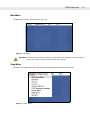
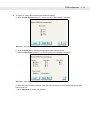
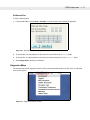
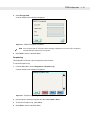
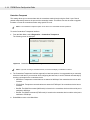
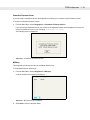
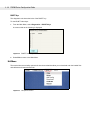
From the Main Menu on the device, select Util > Download > Packing List.
The device beeps continuously as the packinglist downloads.
5.
Once the download is complete, restart the terminal.
OR
To download using an Ethernet connection:
1.
You must specify the IP Address of the device. This can be done either manually or through a DHCP
connection.
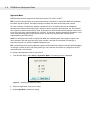
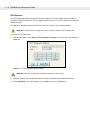
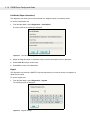
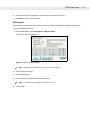
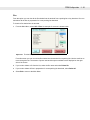
To see the assigned IP Address of the device, look under Util > HW Config. If you do not see an address
assigned, go to Setup > Network to either manually insert an address or obtain one using DHCP. Restart
the device to apply the changes and check under Util > HW Config to verify the IP Address.
2.
Copy the dl folder for the FormBuilder project to ftproot.
3.
Create a packinglist folder under ftproot. The packinglist folder includes a packinglist .txt file. There is
one line in the .txt file, ..\dl.
4.
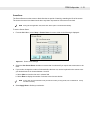
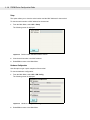
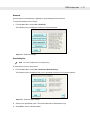
From the Main Menu, select Util > Download > Packing List.
The device beeps continuously as the packinglist downloads.
5.
Once the download is complete, restart the terminal.