1
Quick Reference Guide for BioStar SE
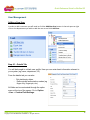
To Build a New Weekly Shift
-
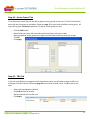
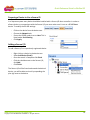
From the task pane, click the Add Shift button.
Provide a name.
Select cycle type (weekly/daily).
Select end date (can extend year to 2030 max. Allows for shift to continually repeat).
Click the checkbox for each work day.
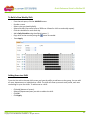
Add a Daily Schedule using the ellipsis button (…)
-
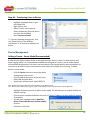
Copy shifts to the next day using the
Press Apply.
button as needed.
Adding Users to a Shift
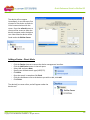
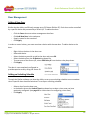
From the User tab in the new shift screen you have the ability to add users to the group. You can add
all users, departments or individuals to a Shift. The shift will show up on each user profile, each user
can belong to up to four shifts. To add a user to a shift:
-
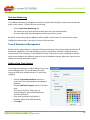
Click add (bottom of screen).
Select all/department/user you wish to add to the shift.
Click OK.
Click Apply.
www.ENTERTECHSYSTEMS.com
Copyright © 2012 ENTERTECH SYSTEMS Inc. All rights reserved.
21