1
VIII. Modes of Operation
1) Time/Date Setup
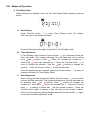
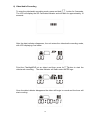
When batteries are installed in the unit, the Time Display Mode appears as shown
below:
A.
Date Display
Press Function button
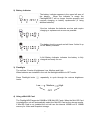
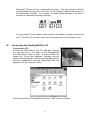
to enter Date Display mode. By default,
2007-January-01 will display as below:
Press the Function button again to go back to Time Display mode.
B.
Time Adjustment
for 2 seconds to enter the
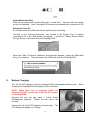
In Time Display mode, hold the Function button
Time edit mode. The number indicating Hour will flash and can be edited
using
and
buttons. Press
button will increase the number by 1
while press
button will decrease by 1. Press the Function button
to
move to change the Minutes. Use the
and
buttons to change the
minutes.
Press the Function button
to edit the Seconds.
Once all adjustments are complete, press the Function button
changes and return to Time Display Mode.
C.
to save all
Date Adjustment
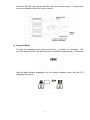
When viewing the date, press and hold the Function button
for 2 seconds
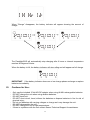
to enter the Date edit mode. The number indicating the Year will flash and can
and
buttons. Press
button will increase the
be changed using
number by 1 while press
button will decrease by 1. Press the Function
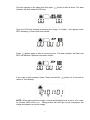
to change to Month edit. Use the arrows as above. Press the
button
Function button again to change to Day edit and use the arrows to adjust.
When you have finished making changes press the Function button
to save and exit Date Adjustment mode.
6
again