1
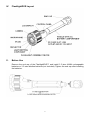
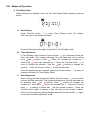
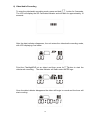
Point the camera to the object and then press
indicator will flash under the SD logo:
button to take a photo. The data
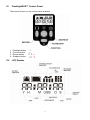
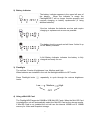
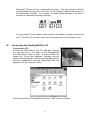
Once the DVR has finished processing the image, a number 1 will appear under
REC indicating 1 picture has been saved:
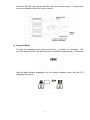
Press
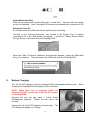
button again to take a second picture. The data indicator will flash and
REC will indicate 2 pictures have been stored:
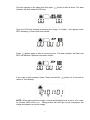
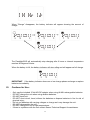
If you want to quit snapshot mode, Press and hold the
return to Time display.
button for 2 seconds to
NOTE: When taking photos at night, ensure the flashlight level is set to off in order
for infrared LEDs to turn on. Taking photos with the light on will overexpose the
image and appear as a white image
9