1
SUPERSERVER 6027AX-72RF/TRF-HFT1/HFT2 User's Manual
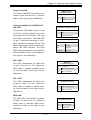
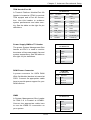
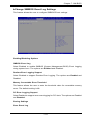
Select Enabled to erase the SMBIOS (System Management BIOS) Event Log, which
is completed before an event logging is initialized upon system reboot. The options
are No, Yes, next reset, and Yes, every reset.
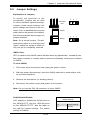
When Log is Full
Select Erase Immediately to immediately erase SMBIOS error event logs that exceed the limit when the SMBIOS event log is full. Select Do Nothing for the system
to do nothing when the SMBIOS event log is full. The options are Do Nothing and
Erase Immediately.
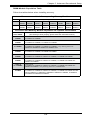
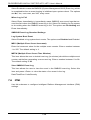
SMBIOS Event Log Standard Settings
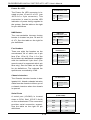
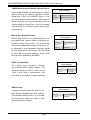
Log System Boot Event
Select Enabled to log system boot events. The options are Disabled and Enabled.
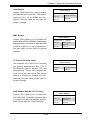
MECI (Multiple Event Count Increment)
Enter the increment value for the multiple event counter. Enter a number between
1 to 255. The default setting is 1.
METW (Multiple Event Count Time Window)
This item allows the user to decide how long (in minutes) should the multiple event
counter wait before generating a new event log. Enter a number between 0 to 99.
The default setting is 60.
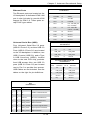
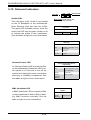
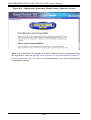
View SMBIOS Event Log
This item allows the user to view the event in the SMBIOS event log. Select this
item and press <Enter> to view the status of an event in the log.
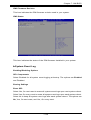
Date/Time/Error Code/Severity
7-6 IPMI
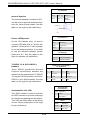
Use this submenu to configure Intelligent Platform Management Interface (IPMI)
settings.
7-28