1
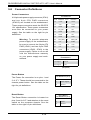
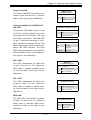
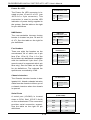
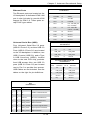
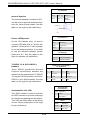
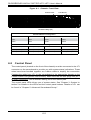
Chapter 3: System Interface 3-4 OLED Screen A feature-rich, 1" color display screen using the latest OLED technology. OLED displays are thinner and lighter than traditional LCD displays, providing better power efficiency and offering wider viewing angles with improved clarity. With four lines of characters and 12 characters per line, the OLED screen module displays vivid colors with 64 x 96 pixels and 16 bit color. More details are available on our web site at http://www.supermicro.com/lcd. 3-5 Drive Carrier LEDs Blue: Each hard drive carrier has a green LED. When illuminated, this green LED indicates drive activity. A connection to the backplane enables this LED to blink on and off when that particular drive is being accessed. Please refer to Chapter 6 for instructions on replacing failed hard drives. Red: The red LED to indicate a hard drive failure. If one of the drives fail, you should be notified by your system management software. Please refer to Chapter 6 for instructions on replacing failed hard drives. 3-3