1
Chapter 7: BIOS
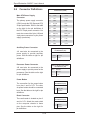
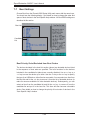
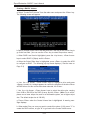
Main BIOS Setup Menu
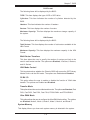
Main Setup Features
System Time
To set the system date and time, key in the correct information in the appropriate
fields. Then press the <Enter> key to save the data.
System Date
Using the arrow keys, highlight the month, day and year fields, and enter the
correct data. Press the <Enter> key to save the data.
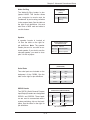
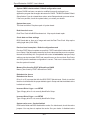
Legacy Diskette A
This setting allows the user to set the type of fl oppy disk drive installed as
diskette A. The options are Disabled, 360Kb 5.25 in, 1.2MB 5.25 in, 720Kb 3.5
in, 1.44/1.25MB, 3.5 in and 2.88MB 3.5 in.
BIOS Date
The item displays the date that the BIOS was built.
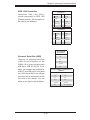
Hard Disk Pre-Delay
When Enabled, this feature will add a delay to provide time need for HDD selfinitialization before the HDD is accessed by the BIOS for the first time. Some
HDDs will hang if accessed by the BIOS without proper initialization. The options
are Enabled and Disabled.
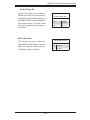
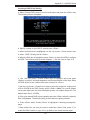
Serial ATA
This setting allows the user to enable or disable the function of Serial ATA. The
options are Disabled and Enabled.
7-3