1
GETTING STARTED
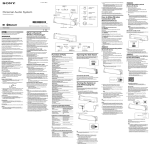
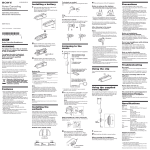
Location and Function of Parts
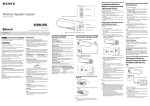
1 Multi function button
Controls various call
functions.
2 Indicator (red)
Indicates the power status of
the unit.
3 Indicator (blue)
Indicates the communication
status of the unit.
4 POWER button
5 Earpieces
6
6
7
8
9
0
VOL – button
VOL + button
Microphone
RESET button
Holding clip
Adjust the holding clip to the
desired angle and clip to your
pocket or collar.
qa Contact point