1
User Manual
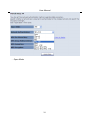
Step9
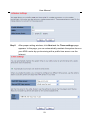
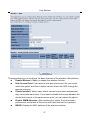
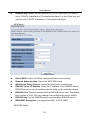
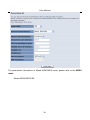
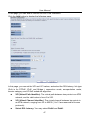
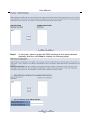
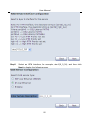
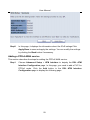
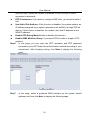
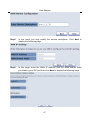
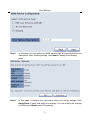
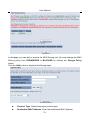
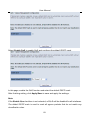
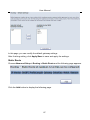
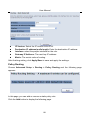
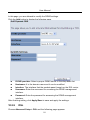
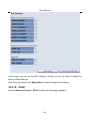
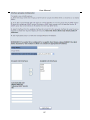
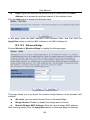
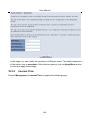
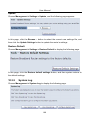
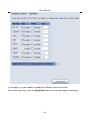
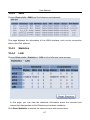
In this page, it displays the information about the PPPoA settngs.Click
Apply/Save to apply the settings. You can modify the settings by clicking
the Back button if necessary.
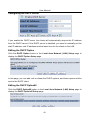
Adding an IPoA WAN service
This section describes the steps for adding the IPoA WAN service.
Step1
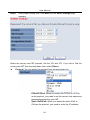
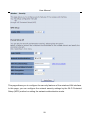
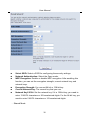
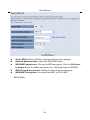
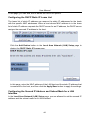
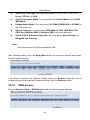
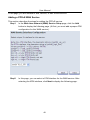
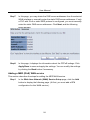
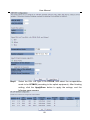
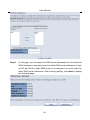
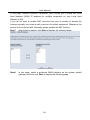
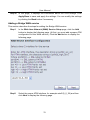
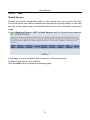
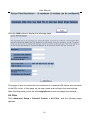
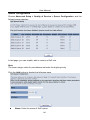
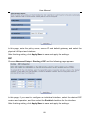
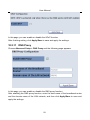
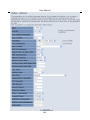
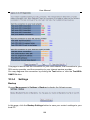
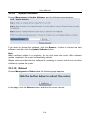
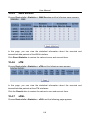
Choose Advanced Setup > ATM Interface to dsipaly the DSL ATM
Interface Configuration page. In this page, you need to add a PVC for
IPoA mode. Click the Add button in the DSL ATM Interface
Configuration page to display the following page.
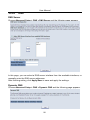
Step2
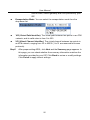
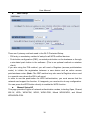
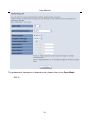
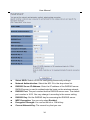
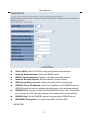
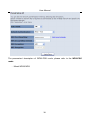
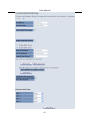
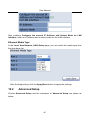
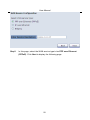
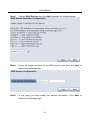
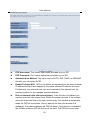
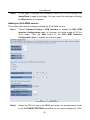
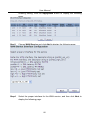
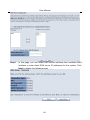
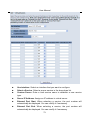
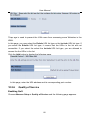
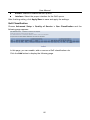
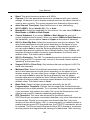
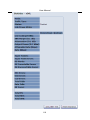
Select the DSL link type to be IPoA, and select the encapsulation mode
to be LLC/SNAP-ROUTING (according to the uplink equipment). After
65