1
Chapter 4
Mobile DVR User Manual
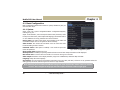
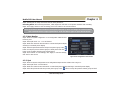
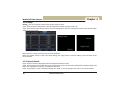
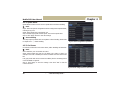
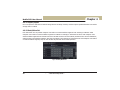
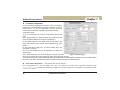
4.5.6 Other Alarm
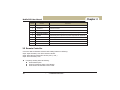
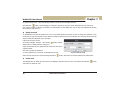
This tab gives a choice to co nfigure alarm for Disk Full or IP conflict or the
Disconnect event.
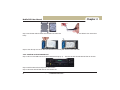
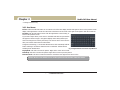
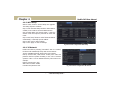
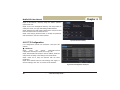
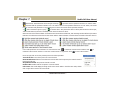
Step1: Enter into system configurationÆother alarm; refer to Fig 4-27
Step 2: Use the dropdown menu and select the event for the alarm.
Step 3: Check the required trigger options.
Buzzer: If selected, the local buzzer would be activated on an alarm.
To Alarm out: If selected would trigger the inbuilt relay on the set event alarm.
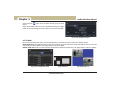
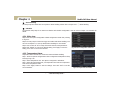
If the selected event is “Disk Full”, then use the drop down box for “Disk
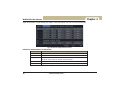
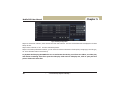
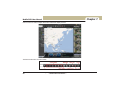
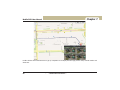
Fig4-25 other alarm
Shortage Alarm” to choose a threshold value for remaining HDD space. If the threshold value is reached, the system will trigger
the Disk Full Alarm.
Step 5: Click “apply” button to save the settings; click “exit” button to exit current interface.
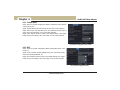
4.5.7 Alarm Out
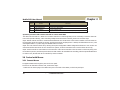
Alarm out includes three sub menus: Alarm out, Schedule and Buzzer
ķ Alarm Out
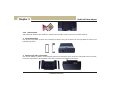
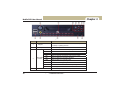
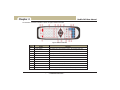
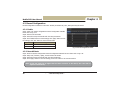
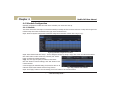
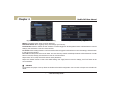
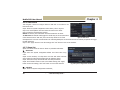
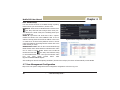
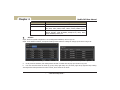
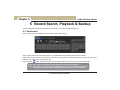
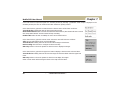
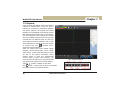
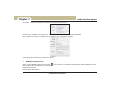
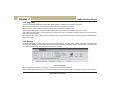
Step1: Enter into System configurationÆAlarm out. Pl ease refer to F ig
4-26:
Step2: In this interface, set relay alarm out n ame and select hold time
which means the interval time between the two adjacent alarms.
Step3: Select All to setup all channels with the same parameters.
Step4: Click “default” button to reset to the default setting; click “apply”
button to save the settings; click “exit” button to exit current interface.
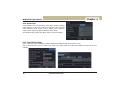
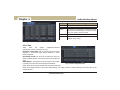
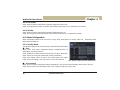
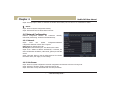
ĸ Schedule
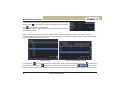
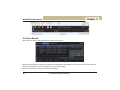
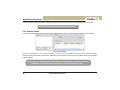
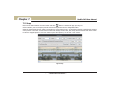
Step1: Enter into System configurationÆSchedule;
34
)
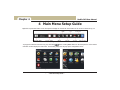
---Main Menu Setup Guide---
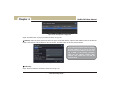
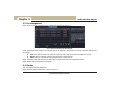
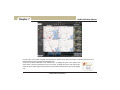
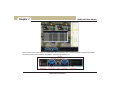
Fig 4-26 system configuration-alarm out