1
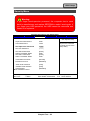
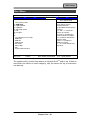
BIOS Setup
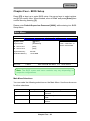
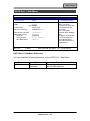
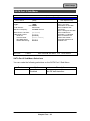
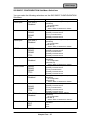
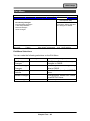
Security Menu Selections
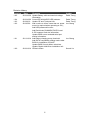
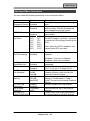
You can make the following selections on the Security Menu.
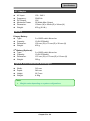
Feature
Set Supervisor
Password
Set HDD 0
Password
Set HDD 1
Password
Fixed disk boot
sector
Password on boot
AC97 Audio
Interface
Cardbus/1394
Interface
TPM Support
RF Interface
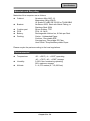
Control
Options
Enter
Enter
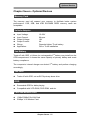
Description
Supervisor Password controls
access to the setup utility.
Enter HDD 0 Password
Enter
Enter HDD 1 Password
Normal
Write Protect
Enabled
Disabled
Auto
Disabled
Auto
Disabled
Enabled
Disabled
Write protects the boot sector on the
hard disk to protect against viruses.
Enables password entry on boot
Control Detection of the AC97
Device.
Cardbus Device Function
Disable/Enable
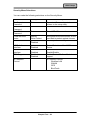
Enable Trusted Platform Module
support
RF Security Control:
Wireless LAN
WWAN
GPS
BlueTooth
Chapter Four - 39