1
Messaging
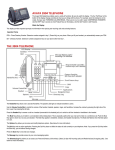
Message Waiting Light
If your station has been designated as a central message desk, you can turn on the message waiting light
(above HOLD) of any telephone from your station to let the user know that a message awaits pickup.
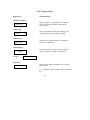
To receive a message at an alerted station,
• Observe flashing light.
• Lift handset.
• Press ITCM HOLD.
• Connection to station that left message is automatic.
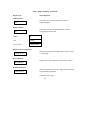
To turn on the message waiting light,
• Press ITCM * 3.
• Dial extension number of station to be alerted. The message waiting light of called station will flash.
To turn off the message waiting light,
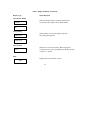
• Press ITCM # 3.
• Dial extension number of station that was alerted. The message waiting light of called station will
turn off.
To turn off the message waiting light during message-delivering conversation.
• Press ITCM.
25