1
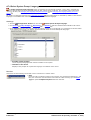
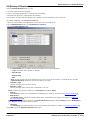
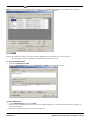
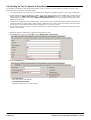
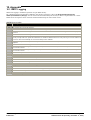
Voicemail Pro Examples: Using the Speak Text Action
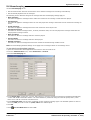
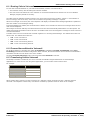
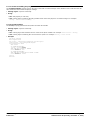
9.6.1.1 XML Tags
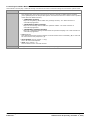
XML tags can be used in the following ways:
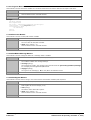
· Tags with text: Example = <volume level="90">text</volume>
These tags consist of:
· An opening XML tag, in the example above <volume level="90">.
· The text to which the opening tag command should be applied.
· A closing XML tag. The closing tag uses the same command as the opening tag, prefixed with / and no other
settings. In the example above this is </volume>.
· Empty Tags: Example = <volume level="90"/>All following text
The command and settings apply to all subsequent text. The empty tags do not include closing tags.
· Nested Tags: Example=<volume level="90">Speak this text with volume level 90<volume level="50">Speak this
text with volume level 50</volume></volume>
These tags consist of one set of tags inside another.
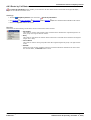
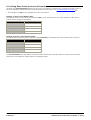
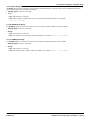
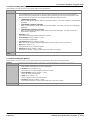
Voicemail Pro TTS supports only the following XML tags.
· Volume 331
Change the speech volume.
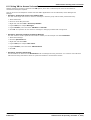
· Rate 331
Change the speech rate.
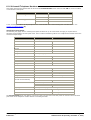
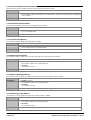
· Pitch 332
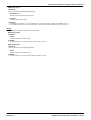
Change the speech pitch.
· Emph 332
Add emphasis to words.
· Spell 332
Spell out words and numbers literally.
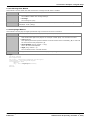
· Silence 333
Add a period of silence.
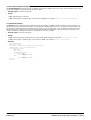
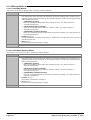
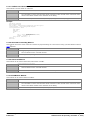
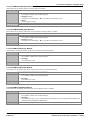
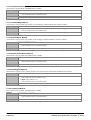
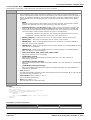
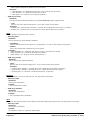
Example XML Tags
Volume
Controls the volume of the speech.
· SAPI Tag: Volume
Attributes:
This tag includes the following attribute.
· level=
Supports values between 0 and 100, being percentages of the system's set volume.
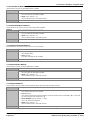
Examples:
· <volume level="50"/> Speak allow following text at level 50.
· <volume level="50"> Speak this text at level 50</volume> and this as normal.
· SSML Tag: Prosody
Attributes:
This tag includes the following attribute.
· volume=
Supports values between 0 and 100, being percentages of the system's set volume.
Examples:
· <prosody volume="50"/>
· <prosody volume="50"> Speak this text at level 50</prosody> and this as normal.
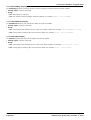
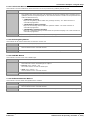
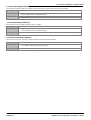
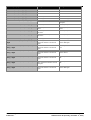
Rate
Controls the speed at which the text is spoken.
· SAPI Tag: Rate
Attributes
This tag includes one of the following attributes.
· absspeed=
Sets the absolute speed for the speech in a range between -10 and 10 with 0 being normal speech.
Administering Voicemail Pro
IP Office 8.1
Page 331
15-601063 Issue 8b (Tuesday, December 11, 2012)