1
Telephones
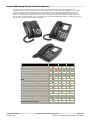
PARTNER Mode supports the following telephones:
·
1400 Series digital telephones
28
·
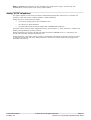
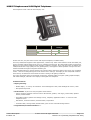
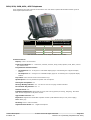
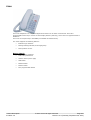
9500 Series digital telephones
29
·
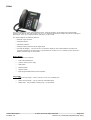
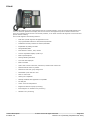
Norstar T-Series and M-Series digital telephones
·
PARTNER ACS telephones
·
PARTNER ACS "Euro" telephones
·
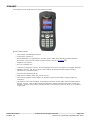
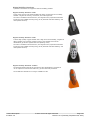
Wireless telephones
·
Analog "POTS" telephones
30
31
32
33
34
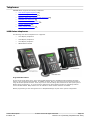
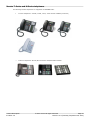
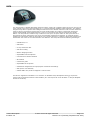
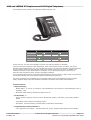
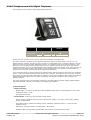
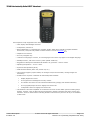
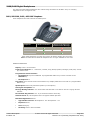
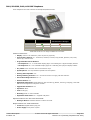
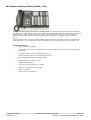
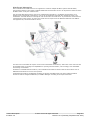
1400 Series telephones
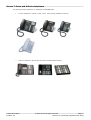
The following 1400 Series telephones are supported.
·
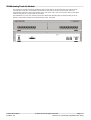
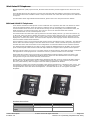
1416 Display Telephones
·
1408 Display Telephones
·
1403 Display Telephone
·
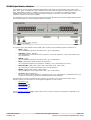
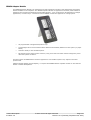
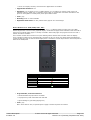
DBM32 Button Module
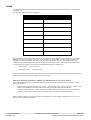
Programmable Buttons
As well as the usual dialing keys, Avaya 1400 digital telephones have dedicated function buttons like Mute,
Volume, Hold, Conference and Transfer. In addition to these, there are keys that can be programmed with a
range of selected special functions. These keys can be used for calling other extensions on the system (Direct
Station Select or DSS keys), or can be used for options from speed dialing numbers to controlling features
such as Do Not Disturb. Many features use an indicator to show whether a feature is enabled.
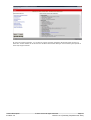
Button programming is done through the TUI or Simplified Manager as part of the system configuration.
Product Description
IP Office 9.0
© 2013 AVAYA All rights reserved.
Page 28
Issue 27.01.0 (Thursday, September 26, 2013)