1
Chapter 7
CLI – Layer 3
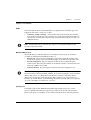
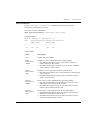
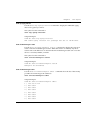
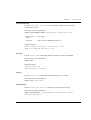
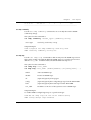
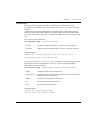
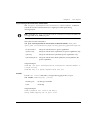
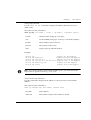
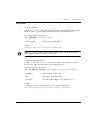
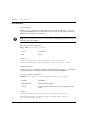
arp timeout Command
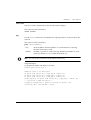
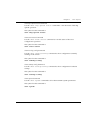
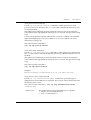
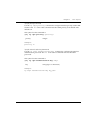
Use the arp timeout command to configure the amount of time that an entry
remains in the ARP cache. To restore the default value, 14400, use the no form of
this command.
The syntax for this command is:
arp timeout <seconds>
The syntax for the no form of this command is:
no arp timeout
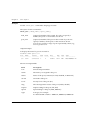
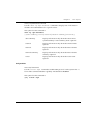
seconds
The amount of time, in seconds, that an entry remains
in the arp cache.
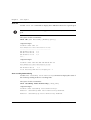
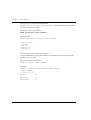
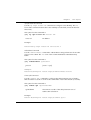
Example:
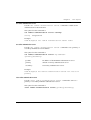
To set the arp timeout to one hour:
Router-N(configure)# arp timeout 3600
To restore the default arp timeout:
Router-N(configure)# no arp timeout
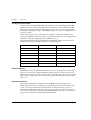
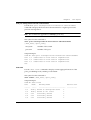
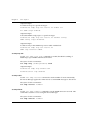
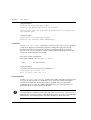
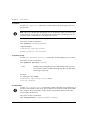
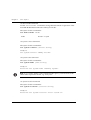
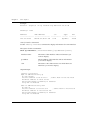
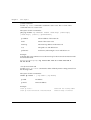
clear arp-cache Command
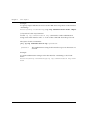
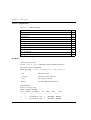
Use the clear arp-cache command to delete all dynamic entries from the ARP
cache and the IP route cache.
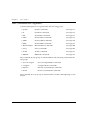
The syntax for this command is:
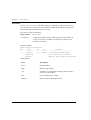
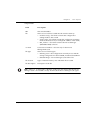
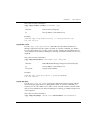
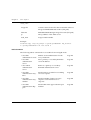
clear arp cache[<vlan>|<ip addr>[<mask>]]
vlan
VLAN string (up to 16 characters
ip addr
IP address
mask
IP mask
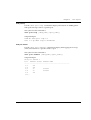
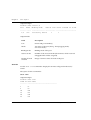
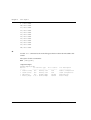
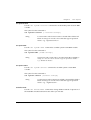
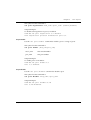
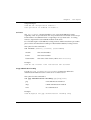
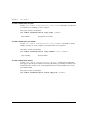
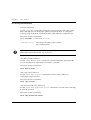
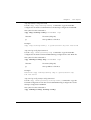
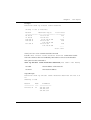
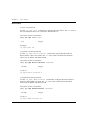
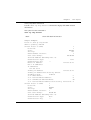
Example:
clear arp-cache
flush all arp entries
clear arp-cache marketing_vlan
flush ARP entries for a VLAN
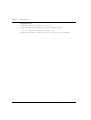
clear arp-cache 192.168.0.0 255.255.0.0 flush range of ARP entries
belonging to one subnet
170
P334T-ML User’s Guide