1
OPERATION
3.4
AUDIOLINE DECT 3000micro
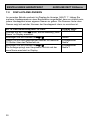
CALL DURATION DISPLAY
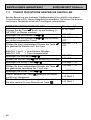
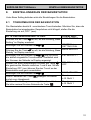
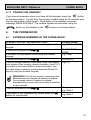
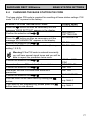
The actual call duration is shown in the display during a call. The indication starts
a few seconds after the number has been dialled or the call has been taken. The
call duration still remains showing in the display for a few seconds after the call
has been ended.
3.5
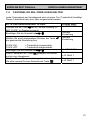
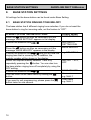
SWITCHING THE HANDSET ON AND OFF
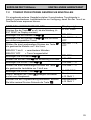
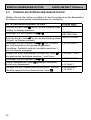
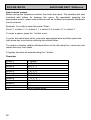
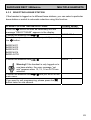
You can turn the handset on or off using the On/Off switch
. If the handset is
switched off, no battery power is used. No calls can be received.
Switching the handset off: Press the
off.
button until the display illumination goes
Switching the handset on: Press the
button once. The display shows
“SEARCHING FP” and the handset switches on after a short time.
3.6
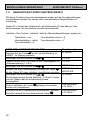
KEYPAD PROTECTION
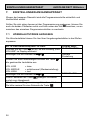
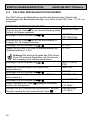
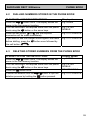
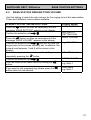
If you frequently carry the handset with you, you can lock the keypad so that
buttons are not pressed unintentionally. When the keypad lock is switched on,.
incoming calls can be received as normal.
Activating the keypad lock:
button on the handset once briefly. A key symbol and the word
Press the
“LOCK” appear in the display. All keys on the handset with the exception of the
On/Off switch are now blocked.
De-activating the keypad lock:
button once more. The
To remove the keypad lock, briefly press the
indicators in the display disappear and you can use the handset again as normal.
3.7
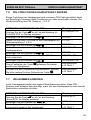
REDIAL
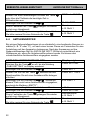
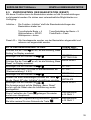
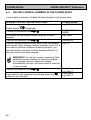
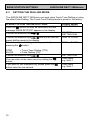
Use Redial if the person called is engaged or does not reply. Your AUDIOLINE
DECT 3000micro stores the last three numbers dialled.
Press the
button repeatedly until the required telephone number is
shown in the display.
Now press the call button
and the telephone number displayed will
be automatically dialled.
54