1
CONTENTS
Step 3: Run the FIR Program and View the Data ................... 2-41
Exercise Four: Linear Profiling ..................................................... 2-50
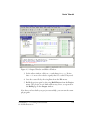
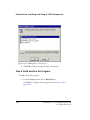
Step 1: Load the FIR Program ................................................ 2-50
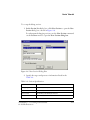
Step 2: Open the Profiling Window ....................................... 2-51
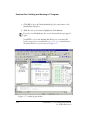
Step 3: Collect and Examine the Linear Profile Data ............... 2-53
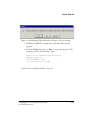
Exercise Five: Installing and Using a VCSE Component ............... 2-56
Step 1: Start VisualDSP++ and Open the Project .................... 2-56
Step 2: Install the EXAMPLES::CULawc Component on
Your System ........................................................................ 2-58
Step 3: Add the Component to Your Project ........................... 2-61
Step 4: Build and Run the Program ........................................ 2-62
ADVANCED TUTORIAL
Overview ...................................................................................... 3-1
Exercise One: Using Profile-Guided Optimization ......................... 3-2
Step 1: Load the Project ........................................................... 3-4
Step 2: Configure a Data Set .................................................... 3-5
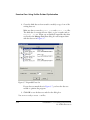
Step 3: Attach an Input Stream ................................................ 3-9
Step 4: Configure Additional Data Sets .................................. 3-13
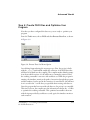
Step 5: Create PGO Files and Optimize Your Program ........... 3-15
Step 6: Compare Execution Times ......................................... 3-16
Exercise Two: Using Background Telemetry Channel ................... 3-19
Adding BTC to Your DSP Application ................................... 3-20
Running the BTC Assembly Demo ........................................ 3-22
Step 1: Load the Btc_AsmDemo Project ............................ 3-23
VisualDSP++ 3.5 Getting Started Guide
for 16-Bit Processors
v