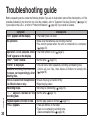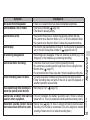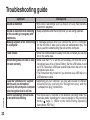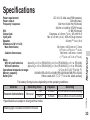
1
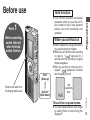
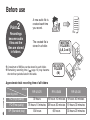
Choose a
recording method
that best suits
the situation.
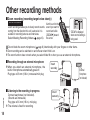
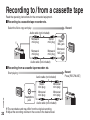
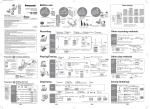
To record a low-level sound source…
• Place the unit on a desk etc. closer to the source.
• Use “L” microphone sensitivity for close proximity
hand-held recording.
Preparation
3
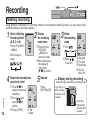
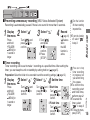
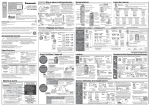
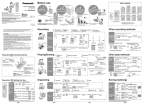
Meeting recording settings (no zoom recording for RR-US430)
Microphone sensitivity
Zoom
recording
H (Far)
L (Near)
[OFF] A normal meeting
A meeting held in a small room
[ON]
An interview during a meeting
Recording mode
A lesson, lecture
HQ (high quality)/ FQ (fine quality)/ SP (standard play)
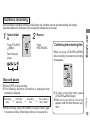
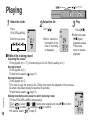
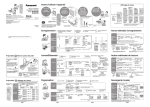
DICTATION RECORDING
As the dictation recording settings
are all factory-set, dictation can be
recorded quickly and simply. Use
this mode when computer voice
recognition software is to be used.
Dictation recording settings
Microphone sensitivity Dictation Recording level (fixed)
Recording mode
HQ (high quality) (fixed)
RQT8824
Point
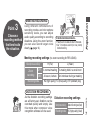
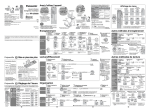
MEETING RECORDING
Using different combinations of
recording modes and microphone
sensitivity levels, you can adjust
audio quality according to recording
situations. Using the zoom function,
you can also record target voice
clearly ( page 14).
7