1
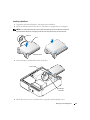
Installing a Floppy Drive
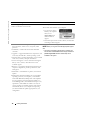
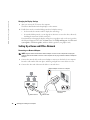
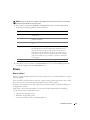
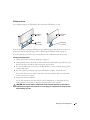
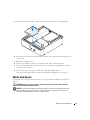
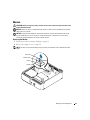
NOTE: In the event the replacement or new floppy drive does not have the shoulder screws, use the
screws located within the drive panel insert.
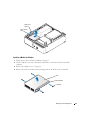
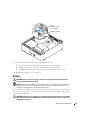
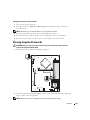
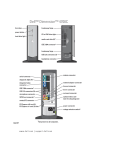
drive
drive bracket
screws (4)
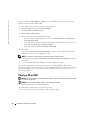
1 Follow the procedures in "Before You Begin" on page 53.
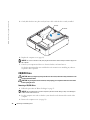
2 Lay the computer on its side so that the system board is on the bottom of the inside of the
computer.
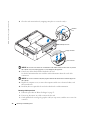
3 Remove the computer cover (see page 59).
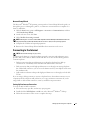
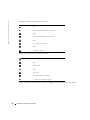
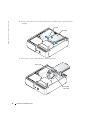
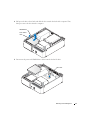
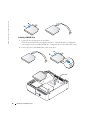
4 Gently slide the drive into place until you hear a click or feel the drive securely installed.
Removing and Installing Parts
85