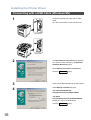
1
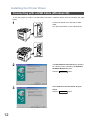
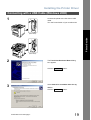
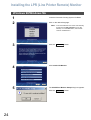
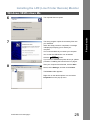
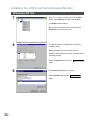
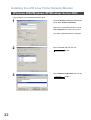
Installing the LPR (Line Printer Remote) Monitor
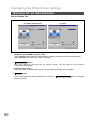
Windows 2000/Windows XP/Windows Server 2003
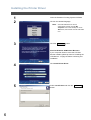
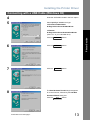
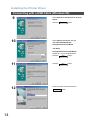
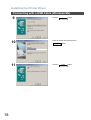
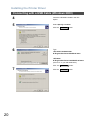
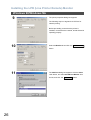
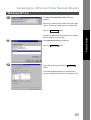
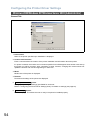
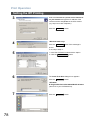
4
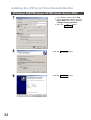
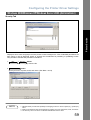
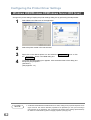
Click the
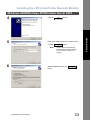
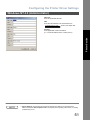
5
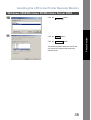
Enter the IP Address and the Port Name and
Note:
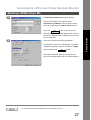
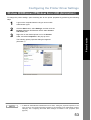
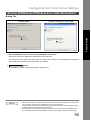
6
Next
button.
button.
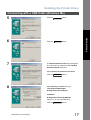
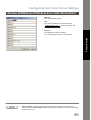
The Port Name is automatically
entered together with the IP Address.
You may need to change it as
required.
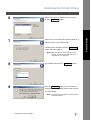
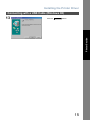
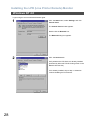
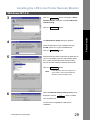
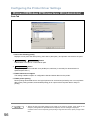
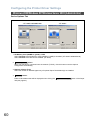
Select Custom and click the
Settings...
button.
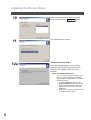
Continued on the next page...
33
Printer Section
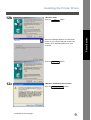
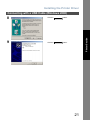
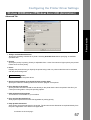
click the
Next