1
ENGLISH
○○○○○○○○○
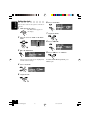
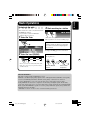
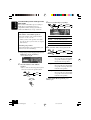
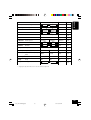
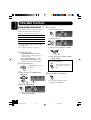
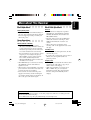
• Intro Scan modes
Mode
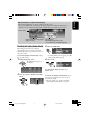
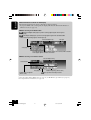
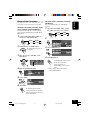
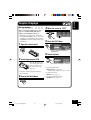
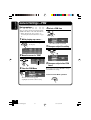
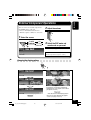
Changing the display pattern
Plays the beginnings of
BACK
DISP
Track : All tracks of the current disc.
lights up.
• While playing,
Folder*: First tracks of all folders of the
current disc.
lights up.
• While playing,
Disc :
First tracks of all discs in the
magazine.
lights up.
• While playing,
Off :
Cancels Intro Play.
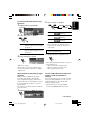
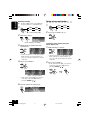
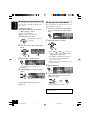
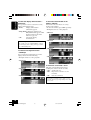
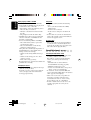
• Repeat Play modes
Mode
A window (see page 36) is displayed.
Plays repeatedly
Track : Current track.
• While playing,
lights up.
Folder*: All tracks of the current folder.
lights up.
• While playing,
Disc :
All tracks of the current disc.
lights up.
• While playing,
Off :
Cancels Repeat Play.
Clock time is displayed.
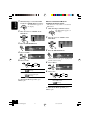
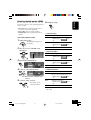
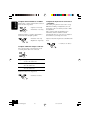
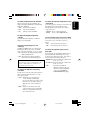
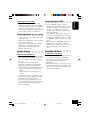
• Random Play modes
Mode
Semi-graphic screen*
Plays randomly
Folder*: All tracks of the current folder, then
moves to the next folder and so on.
• While playing,
lights up.
Disc :
All tracks on the current disc.
lights up.
• While playing,
All :
All tracks of all discs in the magazine.
lights up.
• While playing,
Off :
Cancels Random Play.
* “Folder” can be selected for MP3 discs only.
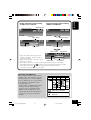
Full graphic screen*
(Full graphic screen will be temporarily
changed to the semi-graphic screen when
you operate the unit.)
Goes back to the initial display pattern.
* You can use your edited file for graphic screen
(see pages 29 to 33).
44
40-44_KD-SHX900[J]f.p65
44
04.6.1, 8:31 PM