1
English
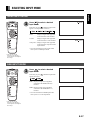
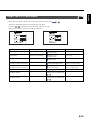
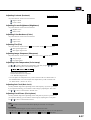
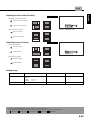
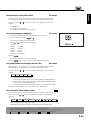
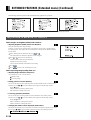
Adjusting Treble (Treble)
Any value between -6 and +6 can be selected.
: Stronger treble
: Weaker treble
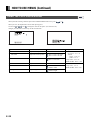
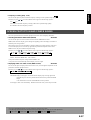
Adjusting Bass (Bass)
Any value between -6 and +6 can be selected.
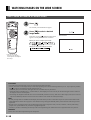
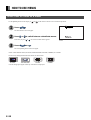
SOUND Menu screen
: Stronger bass
: Weaker bass
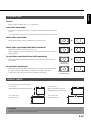
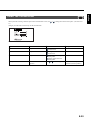
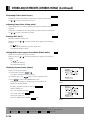
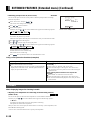
Adjusting Volume Balance (Balance)
Any value between -10 and +10 can be selected.
: Higher volume from the right-hand speaker
: Higher volume from the left-hand speaker
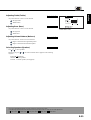
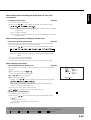
Selecting Speakers (Speaker)
Use
or
to select speakers.
Each time you press
sequence:
Internal
or
, one of the available choices appears in the following
External
Internal: Internal speakers
External: External speakers (not supplied)
* On-screen information disappears if you do not take any action for 60 seconds.
* The following abbreviations used in this document represent input modes in which you can make adjustments:
: Video mode, : S-video mode, : Comp.video mode,
: RGB1 mode,
: RGB2 mode
E-31