1
Chapter 2: Installation
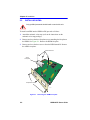
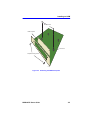
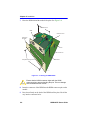
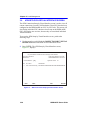
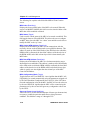
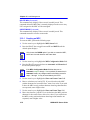
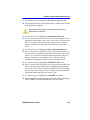
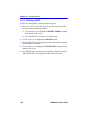
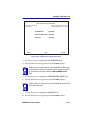
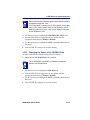
7. Place the HSIM behind the module faceplate. See Figure 2-4.
Standoff Screws
HSIM
HSIM Connector
Host Device
Faceplate
AP
IM
1
AP
IM
Pins
2
Host Device
Faceplate Mounting Screws
Standoffs
207736
Figure 2-4
!
CAUTION
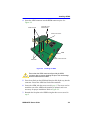
Installing the HSIM-A6DP
Ensure that the HSIM connector aligns with the HSIM
connector pins to prevent bending the pins. This can damage
both the HSIM and the module.
8. Insert the connector of the HSIM into the HSIM connector pins on the
module.
9. Press down firmly on the back of the HSIM until the pins slide all the
way into the connector holes.
2-6
HSIM-A6DP User’s Guide