1
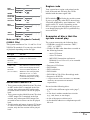
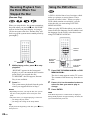
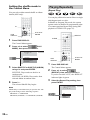
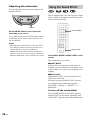
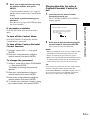
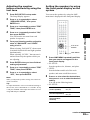
To change the scan speed (DVD/
VIDEO CD only)
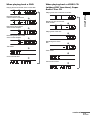
Each time you press m or M during scan, the
playback speed changes. Two speeds are
available. With each press, the indication
changes as follows:
t
Playback direction
FF1M t FF2M
t
Opposite direction
FR1m t FR2m
The FF2M/FR2m playback speed is faster
than FF1M/FR1m.
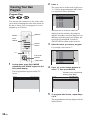
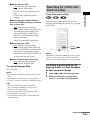
Searching for a Title/
Chapter/Track/Index/
Album/File
You can search a title (DVD), chapter (DVD),
track (CD, VIDEO CD, Super Audio CD, MP3),
index (VIDEO CD, Super Audio CD), album
(MP3, JPEG), and file (JPEG). As titles, tracks
albums and files are assigned unique names on
the disc, you can select the desired one from the
Control Menu. Also chapters and indexes are
assigned unique numbers on the disc, so you
select the desired one by entering its number. Or
you can search a particular point using the time
code (TIME SEARCH).
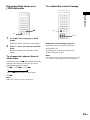
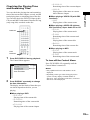
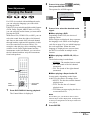
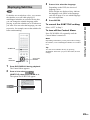
Watching frame by frame
(Slow-motion play)
(DVD/VIDEO CD only)
Press
or
pause mode.
CLEAR
when the system is in the
To return to normal speed, press H.
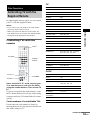
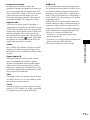
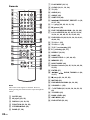
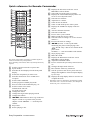
Number
buttons
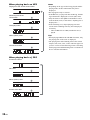
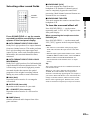
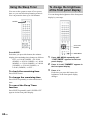
To change the speed of Slowmotion play
Each time you press
or
during Slowmotion play, the playback speed changes. Two
speeds are available. With each press, the
indication changes as follows:
C/X/x/c/
ENTER
DVD
DISPLAY
t
Playback direction
SLOW 2 t SLOW 1
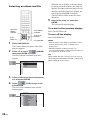
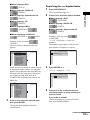
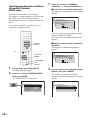
Searching for a title/track/
album/file
1
t
Opposite direction (DVD only)
SLOW 2 t SLOW 1
The SLOW 2 /SLOW 2 playback speed is
slower than SLOW 1 /SLOW 1 .
34GB
ORETURN
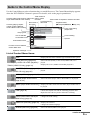
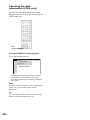
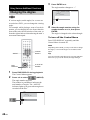
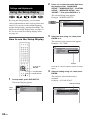
Press DVD DISPLAY.
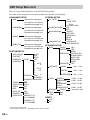
The Control Menu appears.
2
Press X/x to select the search method,
then press ENTER or c.