1
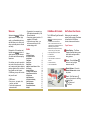
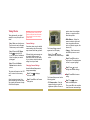
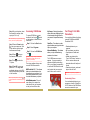
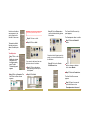
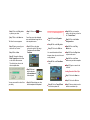
Notice how the album
name appears in the
activity panel on the
left side of the screen.
That wasn’t too difficult.
Now that you have an
album, let’s add the photos.
Reminder : The photos were downloaded to
C:\My Files\My Documents\My Pictures.
Step 13 Click on Return when
you have finished adding photos
to the album.
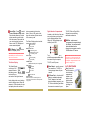
Step 9 Click on on a file.
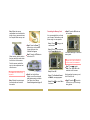
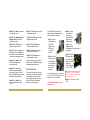
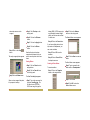
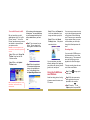
The Create Slide Show activity
panel appears.
The Grandparents album is visible.
Step 15 Click on the Select All
button.
Step 10 Click on Add.
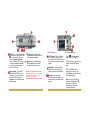
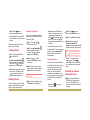
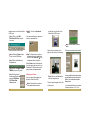
To add photos:
Step 7 Click on the
Add button located
under option 3 on
the Organize activity
panel. The Add
Photos activity panel
appears.
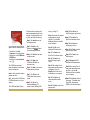
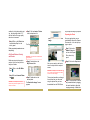
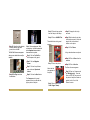
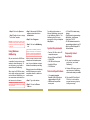
Step 8 Click on Computer. The
Add Photo to Album screen
appears.
Once back at the Organize activity
panel, you can turn that album into
a slide show.
If you want to add more than one
photo at a time to the album.
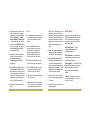
Step 11 Click on the photos
while pressing the Ctrl key on
the keyboard.
Step 14 Click on the Create
Slide Show button.
Step 16 Click on the pull-down
arrow to choose a transition.
Let’s choose Mosaic.
Step 17 Click on the Create button.
Step 12 Click Add.
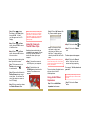
The New Slide Show screen
appears.
Step 18 Type in the name for
your slide show such as
“Grandparents on the move”.
• 26
27 •