1
Preparation 3 - Registering Size of Paper Placed
When you place paper in a drawer for the first time or when you place paper whose size is different from that of the paper which has been placed in the drawer, the new paper size needs to be
registered into the equipment.
Registration of standard sizes (A3, A4, A4-R, A5-R, B4) differs from that of standard sizes other
than these.
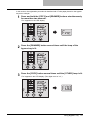
Registering standard size (A3, A4, A4-R, A5-R, B4)
In this section, A4 size is registered in the drawer of the equipment as an example.
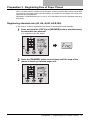
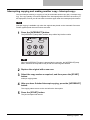
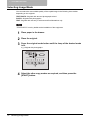
1
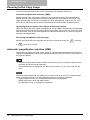
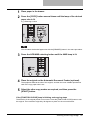
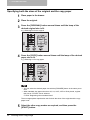
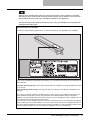
Press and hold the [COPY] and [DRAWER] buttons simultaneously
for more than two seconds.
“Fnc” appears on the LED display.
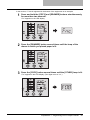
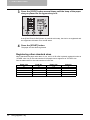
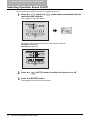
2
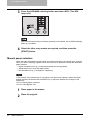
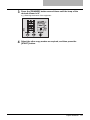
Press the [DRAWER] button several times until the lamp of the
drawer in which you placed paper is lit.
Preparation 3 - Registering Size of Paper Placed
37