1
SECTION
R
ENGLISH
2
Contacts
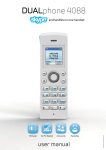
Your list of contacts contains all Skype users as well as all landline phone users that you have added. There is a
limit to the number of entries you can make, but your contact list can nevertheless hold hundreds of contacts.
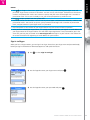
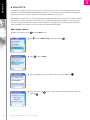
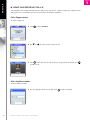
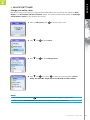
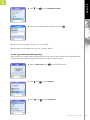
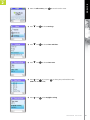
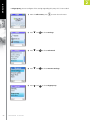
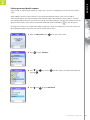
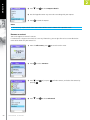
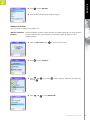
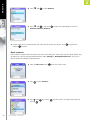
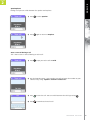
It is easy to access your list of contacts:
to enter Contacts.
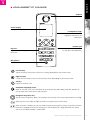
1) From the Idle screen, press
2) Press
to select Contacts.
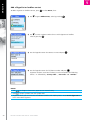
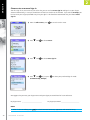
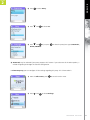
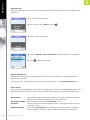
3) Browse your contacts using
.
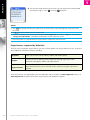
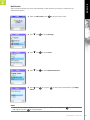
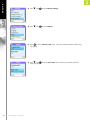
4) Or search for a contact with the quick search feature by using the letters on the
keypad. For example, if you press the letter J, you will see a list showing all of
your contacts beginning with this letter.
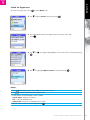
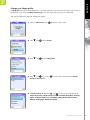
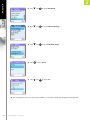
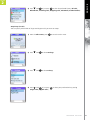
5) Press
to select a contact.
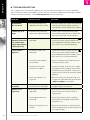
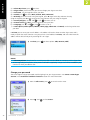
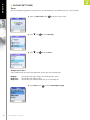
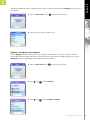
and
or just press
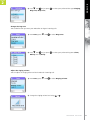
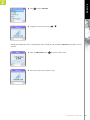
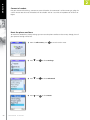
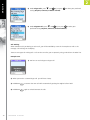
to select the desired action (Call, Send
6) Press
voicemail, View profile, Advanced).
A D VA N C E D S E T T I N G S
57