1
Chapter 2 Basic Setup
This chapter covers the minimum steps you must complete to install and use
the Bluetooth Card.
STEP 1: Register the Card
Register the card online at: www.socketcom.com/prodreg/
STEP 2: Prepare Network Information
Consult with your network administrator/MIS technician to obtain any
necessary settings for your network (e.g. IP addresses, dial-up number, user
name, password, etc.).
STEP 3: Install the Software
Follow these steps to install the software BEFORE inserting the Bluetooth
Card.
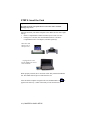
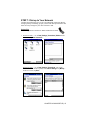
1. Make an active connection between the mobile computer and a host PC.
An active connection exists if data can move between the host PC and
mobile computer via a serial/USB/Ethernet connection cable or cradle.
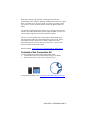
2. Insert the Bluetooth Connection Kit Installation CD into the host PC.
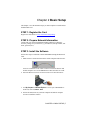
3. Use My Computer or Windows Explorer to access your CD-ROM drive.
In the CD, click on SETUP.EXE
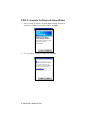
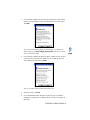
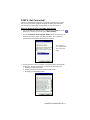
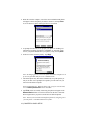
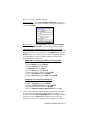
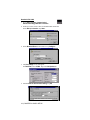
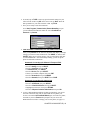
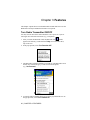
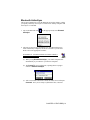
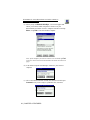
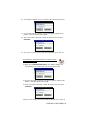
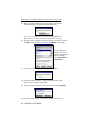
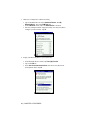
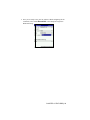
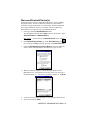
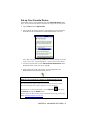
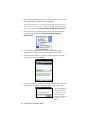
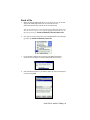
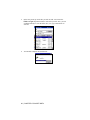
4. Follow the instructions on your host computer and mobile computer
screens to install the software.
CHAPTER 2: BASIC SETUP | 7