1
Timer Operations
Timer Operations
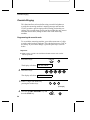
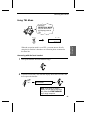
The Timer function allows you to set a transmission and/or polling
operation to be performed automatically at a time you specify. One
transmission operation and one polling operation can be set at the
same time, and the times they will be performed can be specified up to
24 hours in advance.
As an example, you can use this function to take advantage of
off-peak telephone rates without having to be there when the operation
is performed.
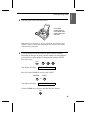
Note: Only a Speed Dial number can be used to dial the receiving machine.
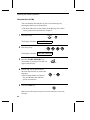
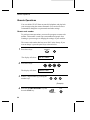
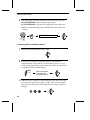
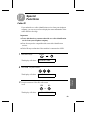
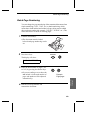
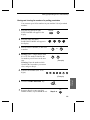
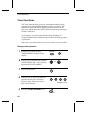
Setting a timer operation
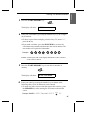
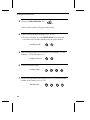
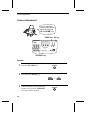
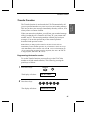
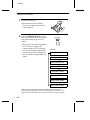
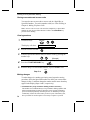
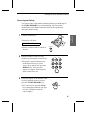
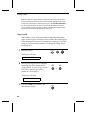
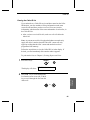
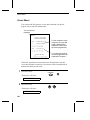
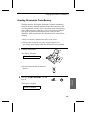
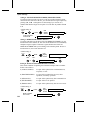
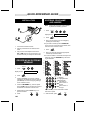
1
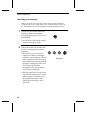
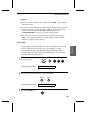
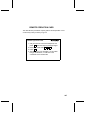
Press the keys shown at right.
TIMER MODE will appear in the
display.
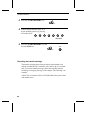
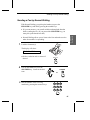
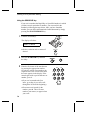
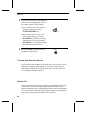
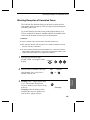
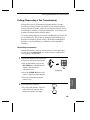
2
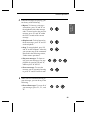
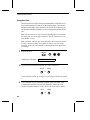
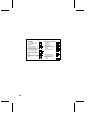
Press # to set a transmission operation
(SEND MODE), or to set a polling
operation (POLLING MODE).
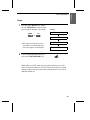
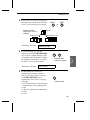
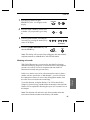
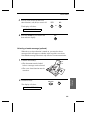
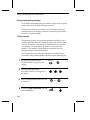
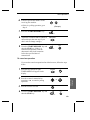
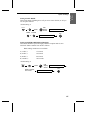
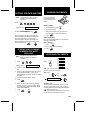
3
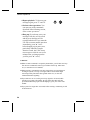
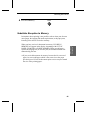
Press 1 to select SET.
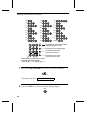
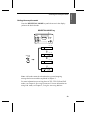
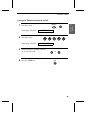
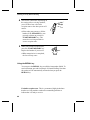
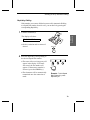
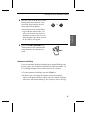
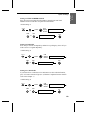
4
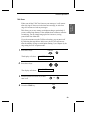
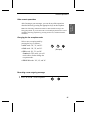
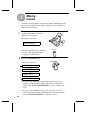
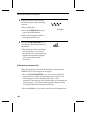
Enter the time at which you want the
operation to take place in 24-hour
format (2 digits for the hour and 2
digits for the minute).
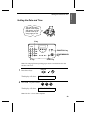
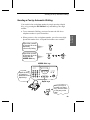
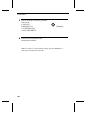
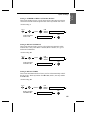
5
FUNCTION
*
1
or
1
0
2
5
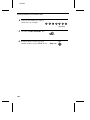
Example: 9:25
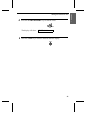
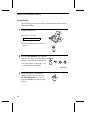
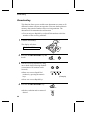
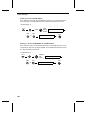
Press the START/MEMORY key.
START/MEMORY
112
9