1
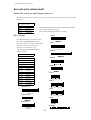
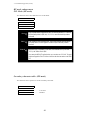
5. Extended setup options (43-45)
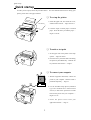
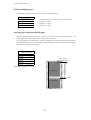
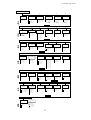
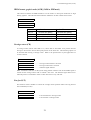
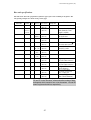
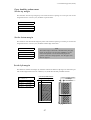
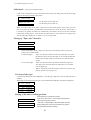
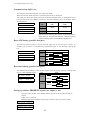
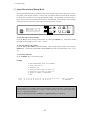
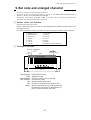
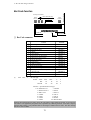
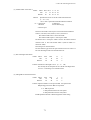
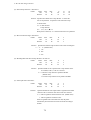
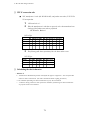
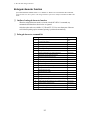
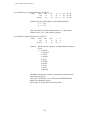
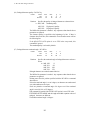
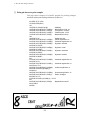
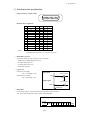
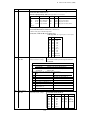
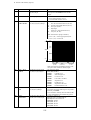
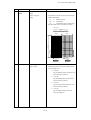
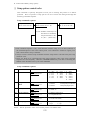
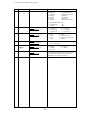
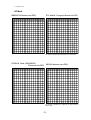
Set the right margin
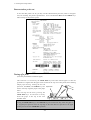
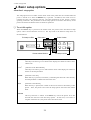
This function sets the right margin by columns with fixed character spacing of 10 characters
per inch in the range between 0 to 63 columns (6.3") from the right-most printable location.
Right most printable location
43 RIGHT M.
R.M.:
R.M.:
R.M.:
Right Margin
0 - 63 columns
Right most printable location
Right Margin
0 - 63 columns
0 COL
nn COL
63 COL
Print Area
Note
The right edge of the form is
determined by the paper size set
in the front control panel or the
paper width set in the setup
options on page 25 and 26.
Print Area
Print Area
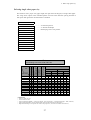
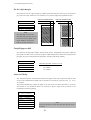
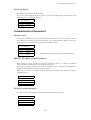
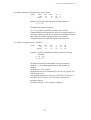
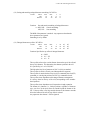
Fanfold paper width
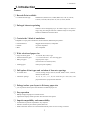
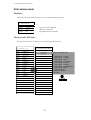
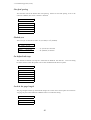
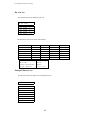
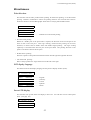
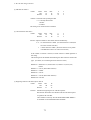
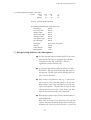
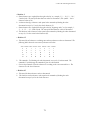
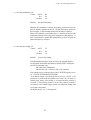
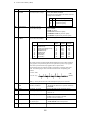
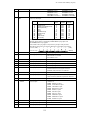
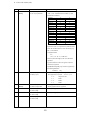
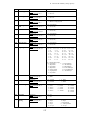
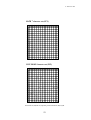
This function sets the paper width to be used in the printer. Depending on the paper width, the
print head will shift to the one half of the print width selected in this function to properly hold
the paper in place, and eliminates the possibility of paper jams during loading.
44 PAPER WIDTH
WIDTH:
WIDTH:
WIDTH:
15 IN
10 IN
5 IN
...........
...........
...........
Maximum printable column at 10 cpi
136 columns
80 columns
36 columns
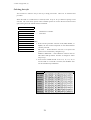
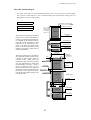
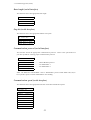
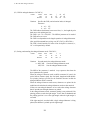
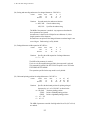
Autoscroll delay
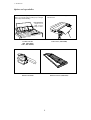
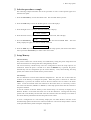
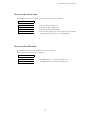
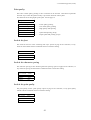
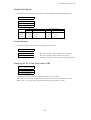
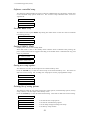
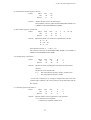
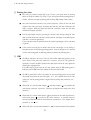
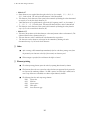
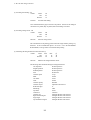
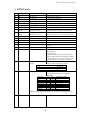
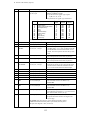
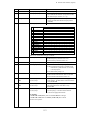
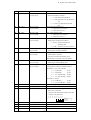
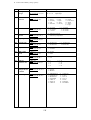
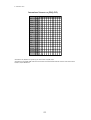
The Autoscroll function automatically advances the paper to the tear off position when no data
exists in the communication buffer and no new data is received for a period of 0.5, 1, 5, 10, or
15 seconds.
The printer automatically aligns the paper to the top of the next form when data is received.
This feature is very beneficial when it is necessary to print a single invoice, and tear it off
immediately following printing.
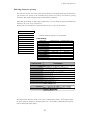
45 AUTO SCROLL
NO
SCROLL
SCROLL: 0.5SEC
SCROLL:
1 SEC
SCROLL:
5 SEC
SCROLL: 10 SEC
SCROLL: 15 SEC
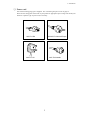
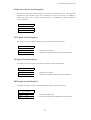
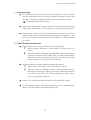
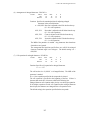
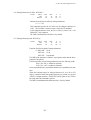
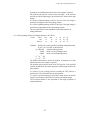
Note
Autoscroll becomes invalid when the label protect mode is
set active.
48