1
00654B SCD30-SEA (28~59)
5/6/03 8:52 AM
Page 41
ENGLISH
Advanced Recording
● DEMONSTRATION
✤ Demonstration automatically shows you the major functions that are included with your camcorder so that you may use
them more easily.
✤ The DEMONSTRATION function may only be used in the CAM mode without a tape inserted in the camcorder.
✤ The demonstration operates repeatedly until the DEMONSTRATION mode switched OFF.
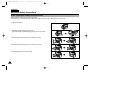
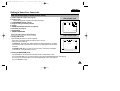
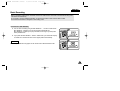
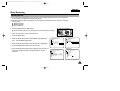
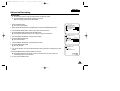
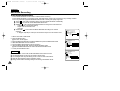
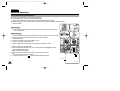
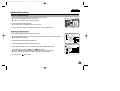
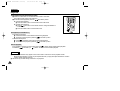
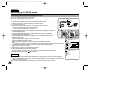
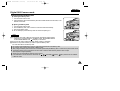
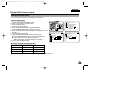
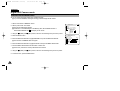
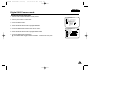
1. Set the camcorder to CAM mode.
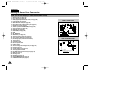
2. Press the MENU button.
■ The menu list will appear.
CAM MODE
INITIAL
CAMERA
A/V
MEMORY
VIEWER
CLOCK SET
WL. REMOTE
BEEP SOUND
SHUT. SOUND
DEMO
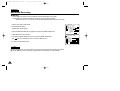
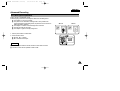
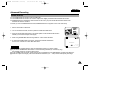
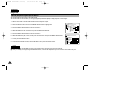
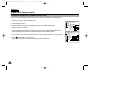
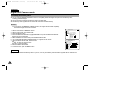
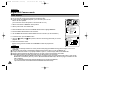
3. Move the MENU SELECTOR to highlight INITIAL.
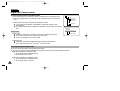
4. Select DEMONSTRATION from the submenu and push the MENU SELECTOR.
CAM MODE
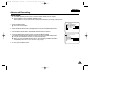
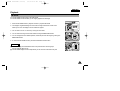
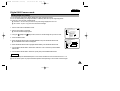
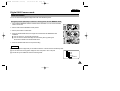
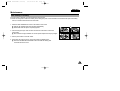
5. To activate the DEMONSTRATION, set DEMONSTRATION ON.
■ Press the menu button to quit the menu.
■ The demonstration will begin.
INITIAL SET
CLOCK SET
WL.REMOTE
BEEP SOUND
SHUTTER SOUND
DEMONSTRATION
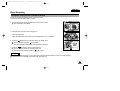
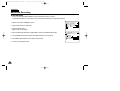
6. To end the DEMONSTRATION, set the DEMONSTRATION to OFF.
Notes
■
■
■
■
The DEMONSTRATION function only works without a TAPE installed.
The DEMONSTRATION mode is automatically activated when the camcorder is left idle for more than 10 minutes after
switching to the CAM mode (no tape is inserted in the camcorder).
If you press other buttons (FADE, BLC, PHOTO, EASY) during the DEMONSTRATION mode,
the DEMONSTRATION stops temporarily and resumes 10 minutes later if you do not operate any other functions.
While setting the NITE PIX to ON, the DEMONSTRATION function does not work.
41