1
Troubleshooting
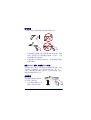
If the linear imager is not operating properly, the following checks
should be performed:
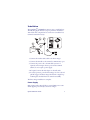
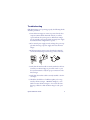
1. Since the linear imager can receive its power from the host
computer (Power Off the Terminal—P.O.T.), it will not
operate without the system power on. If the linear imager
uses an external power supply and the external power supply
has failed, the linear imager will not operate.
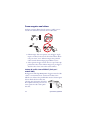
2. If an external power supply is used, exchange the power supply with a known good power supply and retest the linear
imager.
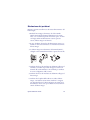
3. If the linear imager receives power from the host (P.O.T.),
connect the linear imager to a known good host and retest.
3
ON
2
OFF
1
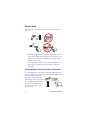
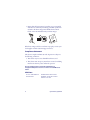
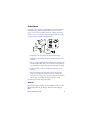
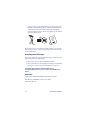
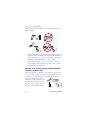
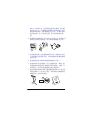
4. Verify that the interface cable is securely attached to the host.
Consult your technical support personnel or refer to your
host system manual to verify the proper connection for the
linear imager.
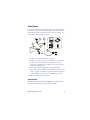
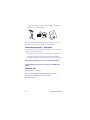
5. Verify that the interface cable is securely attached to the linear imager.
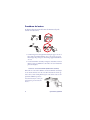
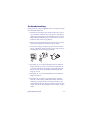
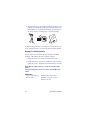
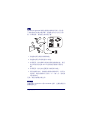
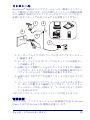
6. Check that the labels are of sufficient quality to be recognized by the linear imager. Wrinkled, smudged, or torn
labels can cause the linear imager to not read at all. Scan a
known good label to check the linear imager's read operation.
Quick Reference Guide
3