1
MF
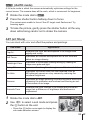
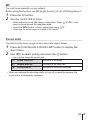
You can focus manually on any subject.
Before using this function, set [MF] in [Fn function] (P. 60) of Settings Menu 3.
1
2
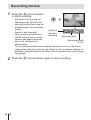
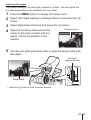
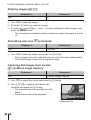
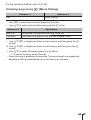
Press the Fn button.
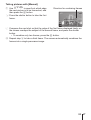
Use the control dial to focus.
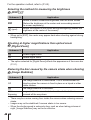
• While adjusting focus, the image is magnified. Press FGHI in this
state to move around the magnified area.
• Press the INFO button to focus adjustment using FG.
• Press the Fn button again to switch to AF mode.
Focus Limit
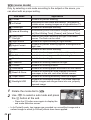
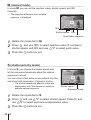
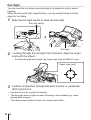
You can limit the focus range so as to focus the object easier.
1
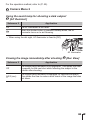
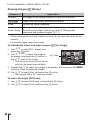
Press and hold the AFL/FOCUS LIMIT button to display the
direct menu.
2
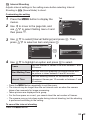
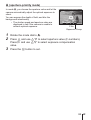
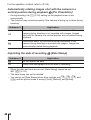
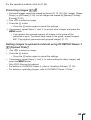
Use HI to select setting and press the A button.
• You can set using the control dial.
=
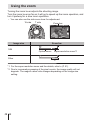
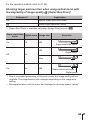
Focus Limit Off
Focuses to all range.
>
Distant Area AF
Focuses to far view side.
?
Close Area AF
Focuses to close-up view side.
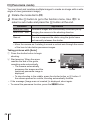
• When you change the shooting mode, or turn off or reset the camera, the
focus limit is automatically canceled.
EN 35