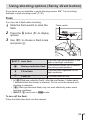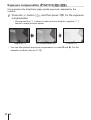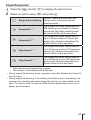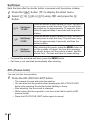
1
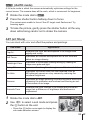
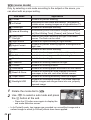
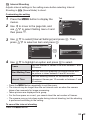
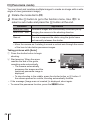
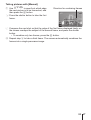
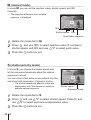
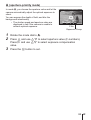
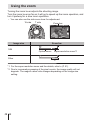
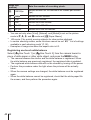
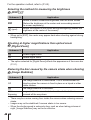
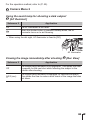
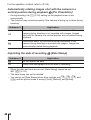
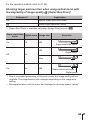
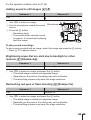
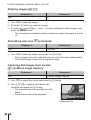
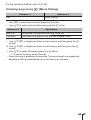
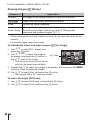
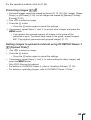
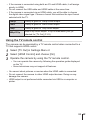
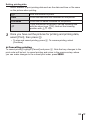
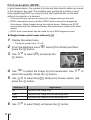
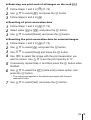
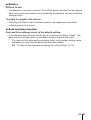
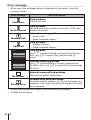
Reserving one print each of all images on the card [U] 1 2 3 Follow Steps 1 and 2 in [<] (P. 74). Use FG to select [U], and press the A button. Follow Steps 5 and 6 in [<]. Resetting all print reservation data 1 2 3 Follow Steps 1 and 2 in [<] (P. 74). Select either [<] or [U], and press the A button. Use FG to select [Reset], and press the A button. Resetting the print reservation data for selected images 1 2 3 4 Follow Steps 1 and 2 in [<] (P. 74). 5 If necessary, repeat Step 4, and then press the A button when finished. 6 Use FG to select the [X] (date print) screen option, and press the A button. Use FG to select [<], and press the A button. Use FG to select [Keep] and press the A button. Use HI to select the image with the print reservation you want to cancel. Use FG to set the print quantity to “0”. • The settings are applied to the remaining images with the print reservation data. 7 Use FG to select [Set], and press the A button. EN 75