1
Servo AF mode—for moving subjects
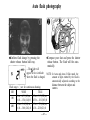
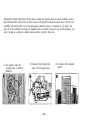
Use Servo AF mode to maintain constant focus on a moving subject.
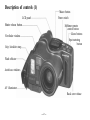
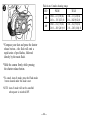
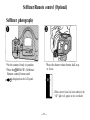
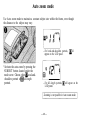
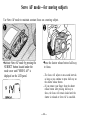
Activate Servo AF mode by pressing the
SUBJECT button located under the
mode cover until "SERVO AF" is
displayed on the LCD panel.
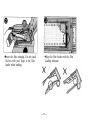
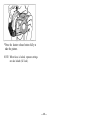
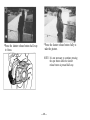
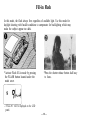
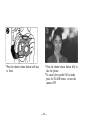
Press the shutter release button half-way
to focus.
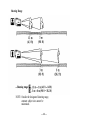
—The focus will adjust at one-second intervals
as long as you continue to press half-way on
the shutter release button.
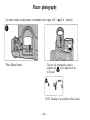
—If you remove your finger from the shutter
release button after pressing half-way to
focus, the focus will remain locked until the
shutter is released or Servo AF is cancelled.
— 44 —