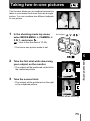
1
Panorama shooting
3
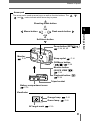
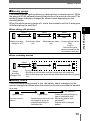
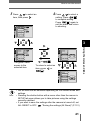
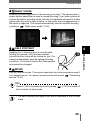
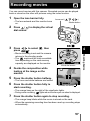
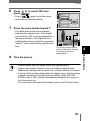
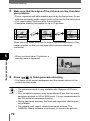
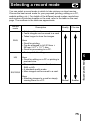
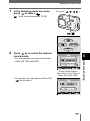
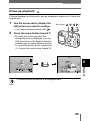
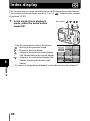
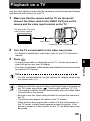
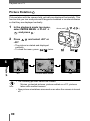
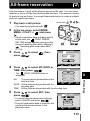
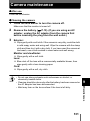
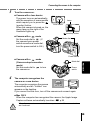
Make sure that the edges of the pictures overlap, then take
your pictures.
• Focus, exposure and white balance are set by the first picture. Do not
select an extremely bright subject (such as the sun) for the first picture.
• You cannot adjust the zoom after the first picture.
• Panorama shooting is possible for up to 10 pictures.
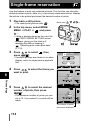
When shooting, make sure that the edges (right/left/top/bottom) of the
images overlap, so that you will know which pictures should be
connected.
5
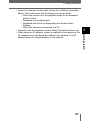
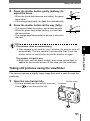
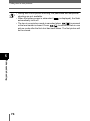
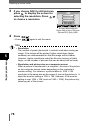
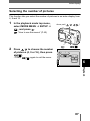
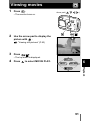
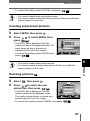
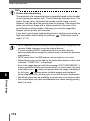
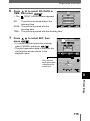
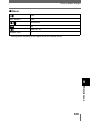
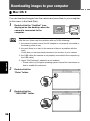
• When you have taken 10 pictures, a
warning mark is displayed.
Advanced shooting
4
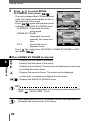
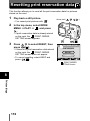
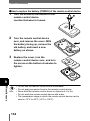
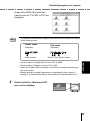
Press
to finish panorama shooting.
• The frame on the screen disappears and the camera returns to the
normal shooting mode.
Note
72
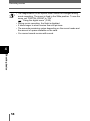
• The panorama mode is only available with Olympus xD-Picture
Card.
• Your computer’s memory may be insufficient if you take too many
panorama pictures in HQ or SHQ mode. You are recommended to
use SQ mode for panorama shooting.
• During panorama shooting, the flash and sequential shooting are
not available.
• The camera itself cannot connect panorama pictures. The
CAMEDIA Master software is necessary to connect the pictures.