1
The Setup Menu
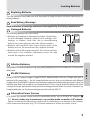
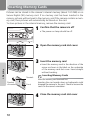
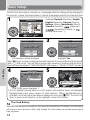
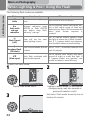
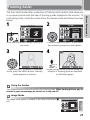
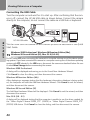
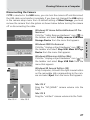
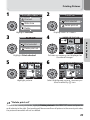
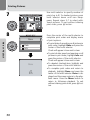
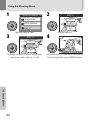
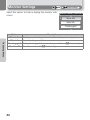
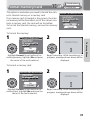
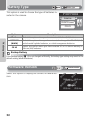
Using the Setup Menu
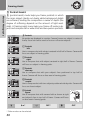
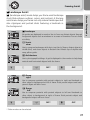
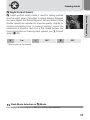
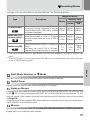
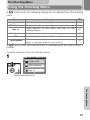
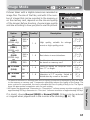
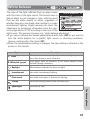
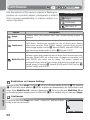
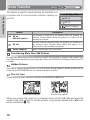
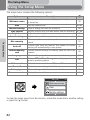
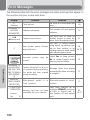
The setup menu contains the following options:
Option
Description
Q
Welcome screen
Choose the welcome screen displayed when the camera
is turned on.
83
Date
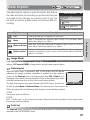
Monitor settings
Date imprint
Brightness
Sound settings
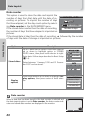
Set the camera clock.
84-85
Hide or display the monitor indicators.
86
Imprint pictures with the date and/or time of recording.
Adjust monitor brightness.
87-88
89
The Setup Menu
Adjust volume of button, shutter and start-up sounds.
90
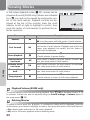
Blur warning
Choose whether or not to perform a camera shake
check.
91
Auto off
Choose how long the monitor will remain on before
turning off automatically to save power.
92
Format memory/
card
Format internal memory or memory cards for use in the
camera.
93
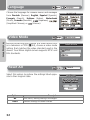
Choose a language for camera menus and messages.
94
Choose PTP or Mass Storage according to your computer's operating system.
45
Select the video mode from NTSC and PAL.
94
Language
USB
Video mode
Reset all
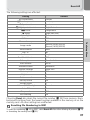
Battery type
Firmware version
Restore camera settings to default values.
94
Choose the type of batteries inserted in the camera.
96
Display the current firmware version.
96
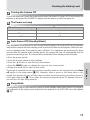
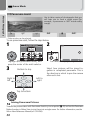
SET-UP
1/5
Welcome screen
Date
Monitor settings
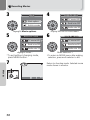
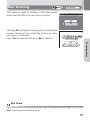
To clear the setup menu from the monitor, rotate the mode dial to another setting
or press the x button.
82