1
Canopy T1/E1 Multiplexer 2.5.2
September 2004 T1/E1 Multiplexer FPGA Version 3.4 Changing the Administrator Password There is only one account for the Canopy T1/E1 Multiplexer—the administrator account.
The username may not be changed, however the password may be changed at any time.
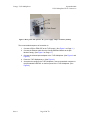
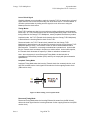
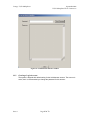
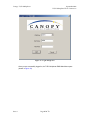
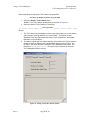
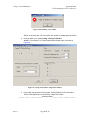
Figure 19: Change Password dialogue box
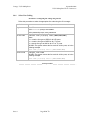
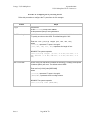
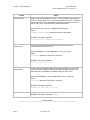
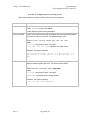
Procedure 15: Changing Administrator password using the EMS
Use this procedure to change the password from the EMS.
1. Select File→Change password from the main menu.
RESULT: The Change Password dialogue box opens (shown in Figure 19).
2. Type the old password, then press Enter or Tab.
3. Type the new password, then press Enter or Tab.
4. Enter the new password again, then press Enter or Tab.
5. To accept, click Change.
To reject, click Cancel.
end of procedure
Issue 3 Page 48 of 73