1
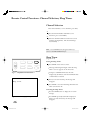
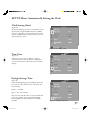
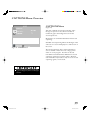
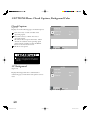
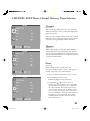
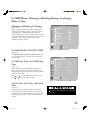
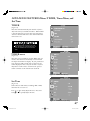
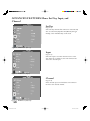
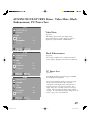
SETUP Menu: Manually Setting the Clock Clock Setting (Manual) (Figure 12) The Clock Setting menu default allows the clock time to be set manually. To set the clock automatically, please see page . To set the clock manually, first select the current time, including AM or PM. Press hold or or to slowly adjust the time. Press and to quickly adjust the time. Figure 12. Clock Setting and Time Set Day (Figure 13) After manually selecting the current time, select the current day. Figure 13. Set Day 36 LCD Monitor.indd 36 03/07/22, 16:18:58