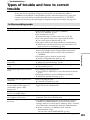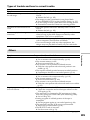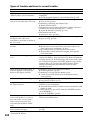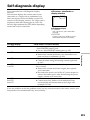
1
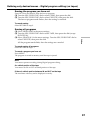
Using the optional printer
– Except DCR-TRV16
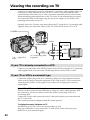
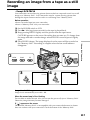
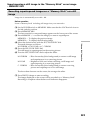
You can use the optional printer on your camcorder to print images on print paper.
For details, refer to the operating instructions of the printer.
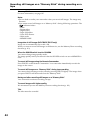
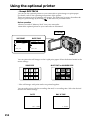
There are various ways of printing still images. The following, however, describes the
setup for print settings by selecting
in the menu on your camcorder.
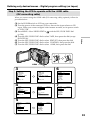
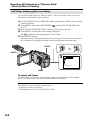
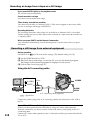
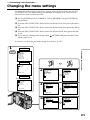
Before operation
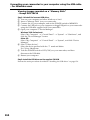
•Insert a recorded “Memory Stick” into your camcorder.
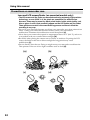
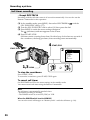
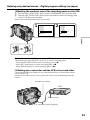
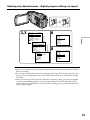
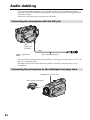
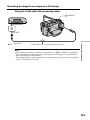
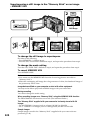
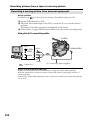
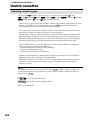
•Attach the optional printer to your camcorder as illustrated.
Printer
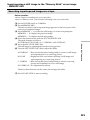
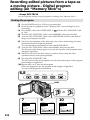
9PIC PRINT
PRINT SET
9PIC PRINT
DATE/TIME
RETURN
[MENU] : END
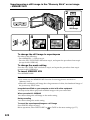
RETURN
SAME
MULTI
MARKED
DATE/TIME
PRINT SET
9PIC PRINT
DATE/TIME
RETURN
OFF
DATE
DAY&TIME
[MENU] : END
MENU
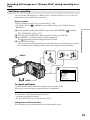
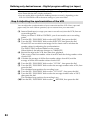
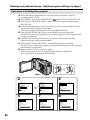
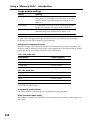
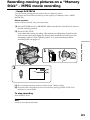
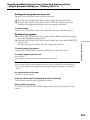
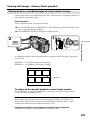
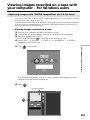
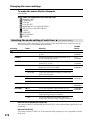
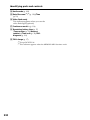
You can print nine still images on the 9-split print paper. Select the desired mode in the
menu settings.
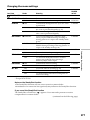
SAME PICS
MULTI PICS or MARKED PICS*
* Nine still images with print marks are printed together.
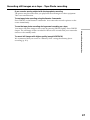
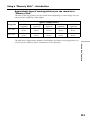
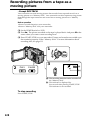
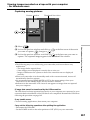
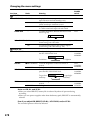
You can make prints with the recording date and/or recording time. Select the desired
mode in the menu settings.
DATE
JUL 4 2002
152
DAY & TIME
4 12:00AM