1
Troubleshooting
Lexmark Z45
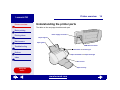
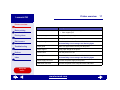
Printer overview
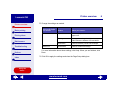
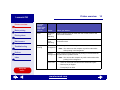
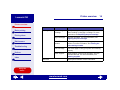
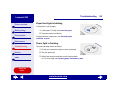
Paper feed light is blinking
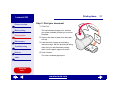
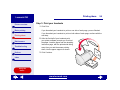
If the printer is out of paper:
Basic printing
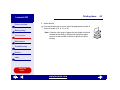
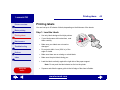
1 Load paper. For help, see Load the paper.
2 Press the paper feed button.
Printing ideas
Maintenance
Troubleshooting
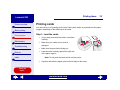
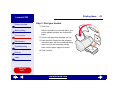
If the printer has a paper jam, see Clearing paper
misfeeds or jams.
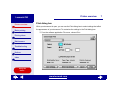
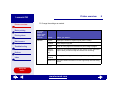
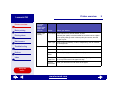
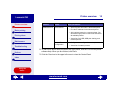
Power light is flashing
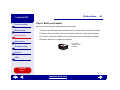
The print cartridge carrier is stalled.
1 Check your computer screen for error messages.
Notices
Index
2 Turn the printer off.
3 Wait a few seconds, and then turn the printer back
on. For more help, see Clearing paper misfeeds or jams.
Using this
Guide...
www.lexmark.com
89