1
Troubleshooting
Lexmark Z45
Printer overview
95
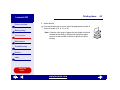
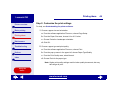
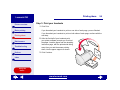
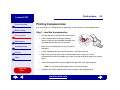
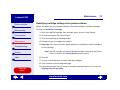
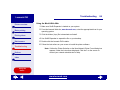
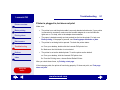
3 Continue to hold the Shift key until you see the Mac OS screen and the words
Extensions Off.
4 Release the Shift key.
Basic printing
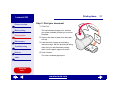
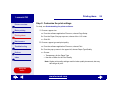
5 Locate the Lexmark Z45 printer icon on your desktop. The inactive printer spooler has
an X over it.
Printing ideas
Maintenance
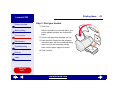
6 Double-click the Lexmark Z45 printer icon.
7 Drag your print jobs to the trash can.
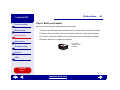
8 Restart the computer to enable extensions.
Troubleshooting
Notices
Index
Using this
Guide...
www.lexmark.com