1
Calibration Utility for MACINTOSH
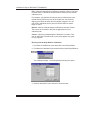
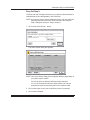
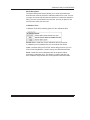
Printer Menu
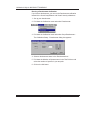
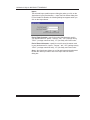
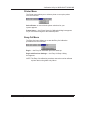
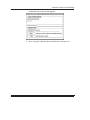
The Printer menu allows you to select a printer or set up the printer
from the menu bar.
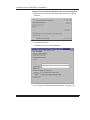
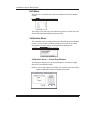
Select Printer—a menu with the printer selections for your
system appears.
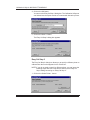
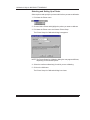
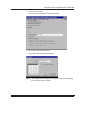
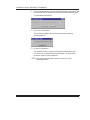
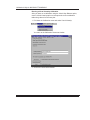
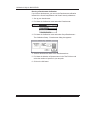
Printer Setup...—the Printer Setup for Calibration dialog box
appears so you can make changes for the selected printer.
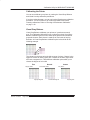
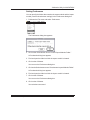
Easy-Cal Menu
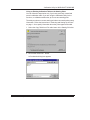
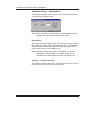
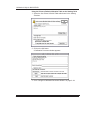
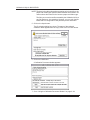
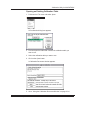
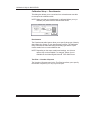
The Easy-Cal menu allows you to start the Easy Cal calibration
procedure from the menu bar.
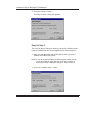
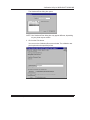
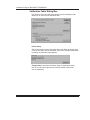
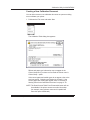
Begin...—the Easy Cal calibration procedure starts up.
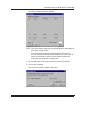
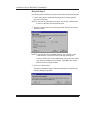
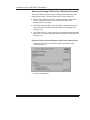
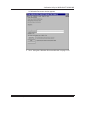
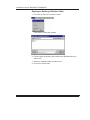
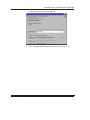
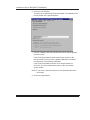
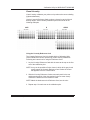
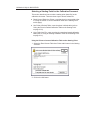
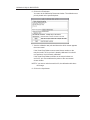
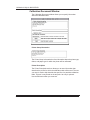
Begin with Previous Settings...—the Easy Cal Step 4 dialog
box appears.
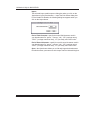
NOTE: The Easy Cal calibration procedure cannot be used to calibrate
a printer that is using black-only ribbon.
Part No. 1H9659 September 1997
2–45