1
Calibration Utility for MICROSOFT WINDOWS
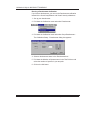
Import
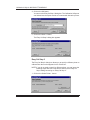
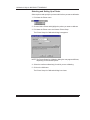
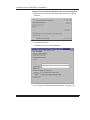
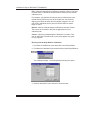
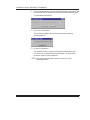
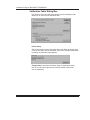
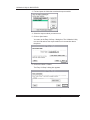
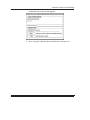
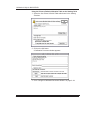
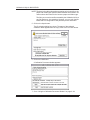
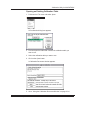
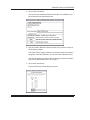
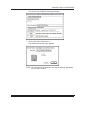
The selected import module opens a dialog box when you click on the
Import button in the Densitometer — Input Test Print Values dialog box.
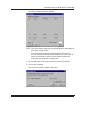
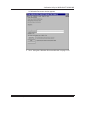
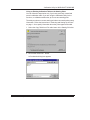
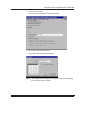
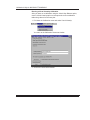
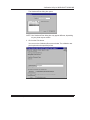
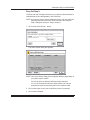
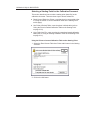
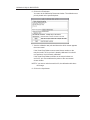
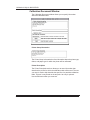
For the Kodak File Reader, the following dialog box appears when you
click on the Import button.
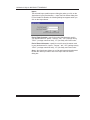
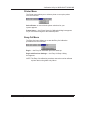
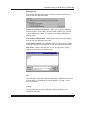
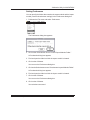
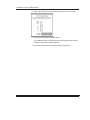
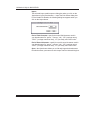
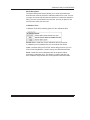
End of Field Character—specify the end-of-field character used in
your densitometer file: “space,” “comma,” “tab,” “CR” (carriage return),
“CR-LF” (carriage return/line feed), “LF” (line feed), and “Semi-colon.”
End of Record Character—specify the end-of-record character used
in your densitometer file: “space,” “comma,” “tab,” “CR” (carriage return),
“CR-LF” (carriage return/line feed), “LF” (line feed), and “Semi-colon.”
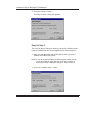
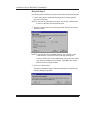
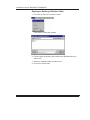
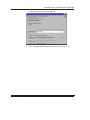
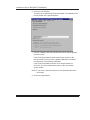
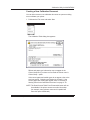
Open—the Open button allows you to find and import the densitometer
file with the values you want to use in the Input Test Print Values
dialog box.
1–44
September 1997 Part No. 1H9659