1
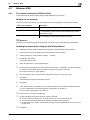
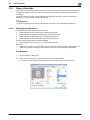
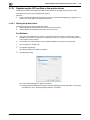
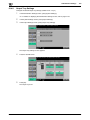
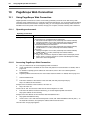
Printing from a cellular phone or PDA
11
3
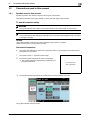
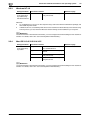
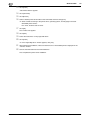
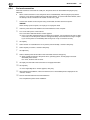
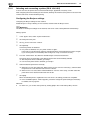
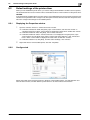
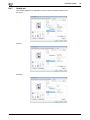
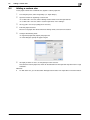
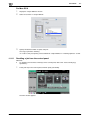
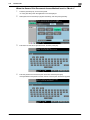
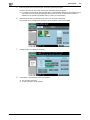
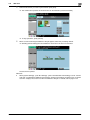
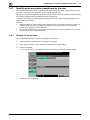
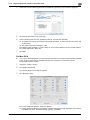
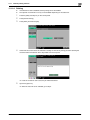
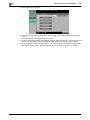
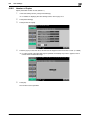
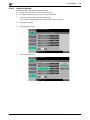
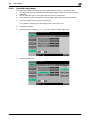
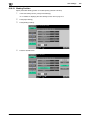
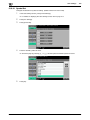
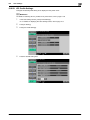
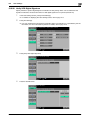
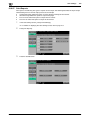
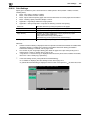
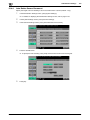
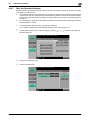
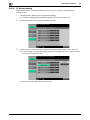
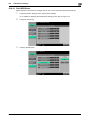
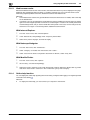
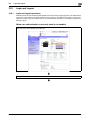
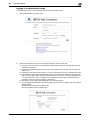
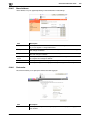
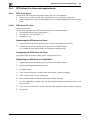
Select [Mobile/PDA] in "System User Box", and press [Use/File].
4
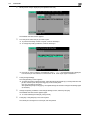
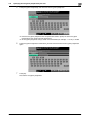
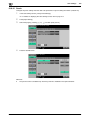
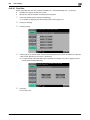
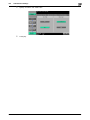
Press [Print List].
11.7
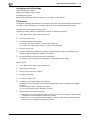
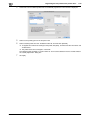
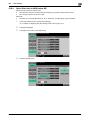
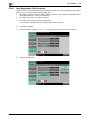
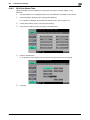
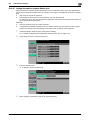
% To save data in a User Box, press [Save in User Box], and select the desired User Box.
5
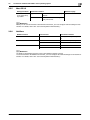
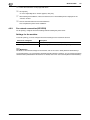
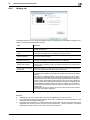
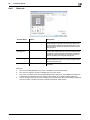
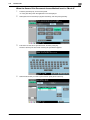
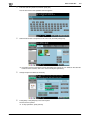
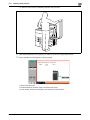
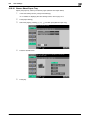
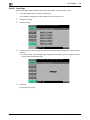
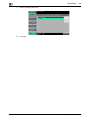
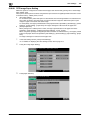
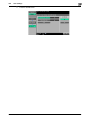
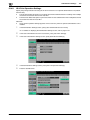
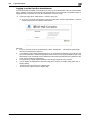
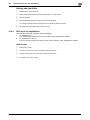
Check the displayed PIN code.
6
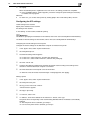
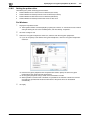
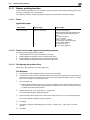
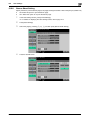
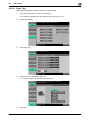
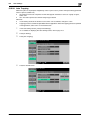
Select this machine in the cellular phone or PDA.
% Select the data you want to send if it is selectable.
7
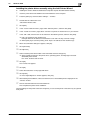
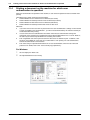
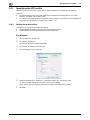
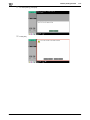
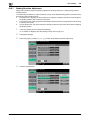
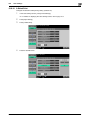
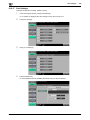
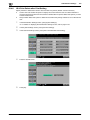
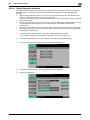
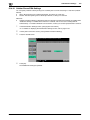
Enter the 4-digit PIN code into the cellular phone or PDA.
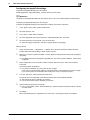
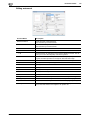
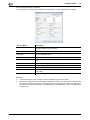
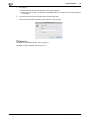
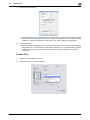
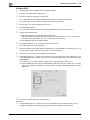
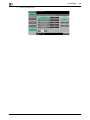
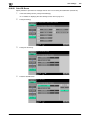
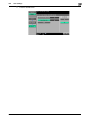
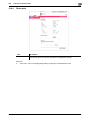
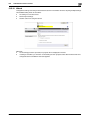
You can check the print setting in [Check Print Settings].
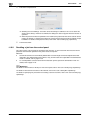
Once the PIN code is verified, connection is established and data transmission and printing start.
11-32
bizhub C652/C652DS/C552/C452