1
Chapter 9
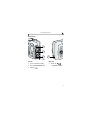
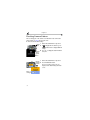
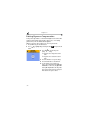
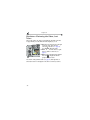
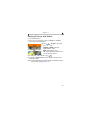
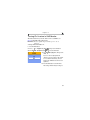
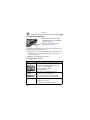
Charging the Battery
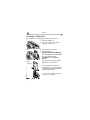
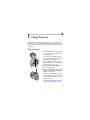
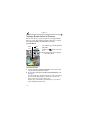
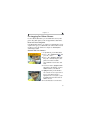
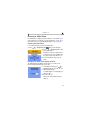
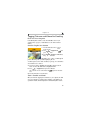
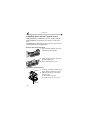
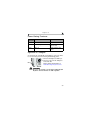
1 Make sure the Kodak EasyShare Ni-MH
rechargeable battery pack is installed in the
camera (see page 66).
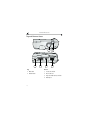
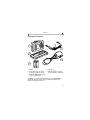
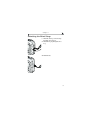
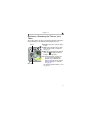
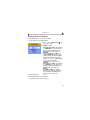
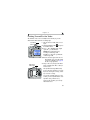
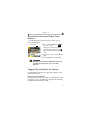
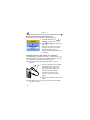
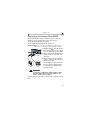
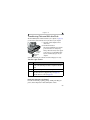
2 Turn off the camera and place it in the
Charging
camera dock (see page 67).
lights
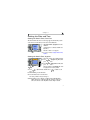
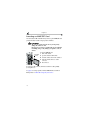
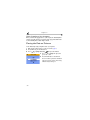
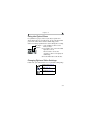
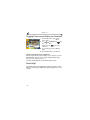
If the battery requires charging, charging begins after a brief battery check.
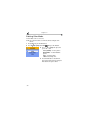
m Full charging takes about 2.5 hours.
m Charging stops if you turn on the camera. If the camera is left in the camera
dock with the power on, charging resumes when the camera enters auto
power-off (see page 99).
m Charging is suspended during picture transfer.
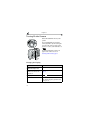
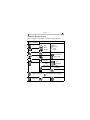
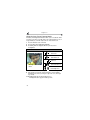
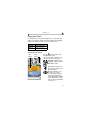
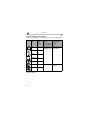
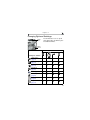
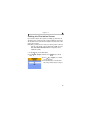
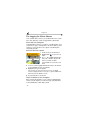
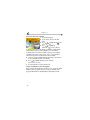
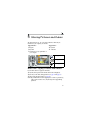
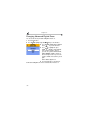
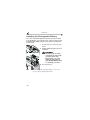
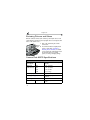
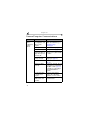
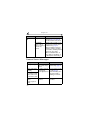
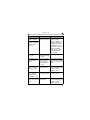
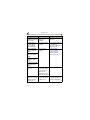
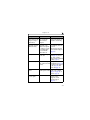
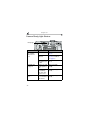
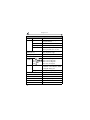
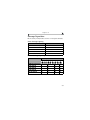
Charging Lights Status
Charging Lights Cause
Green lights
Camera is properly docked. Battery is either being
checked or is less than half charged.
Battery is more than half charged.
Battery is fully charged.
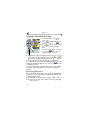
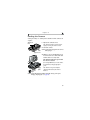
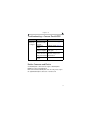
Red light
Battery is not properly installed (see page 66).
(blinking)
Battery or connector pin is damaged.
Camera and battery have been exposed to extreme
temperatures. Slowly return to room temperature.
No lights
Camera is not properly seated in the camera dock.
AC adapter is not connected.
Correct battery is not installed (see page 66).
68