1
Section
08
Initial Settings
Adjusting initial settings
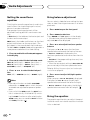
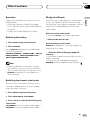
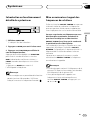
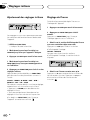
Setting the time
This is used to set the time on the unit’s clock
display.
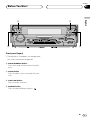
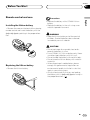
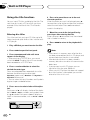
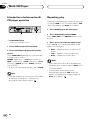
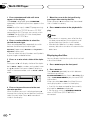
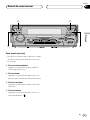
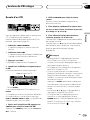
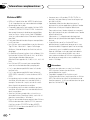
1 Press OPEN to open the front panel.
1
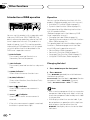
Initial settings lets you perform initial set up of
different settings for this unit.
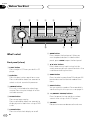
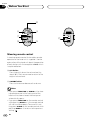
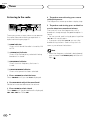
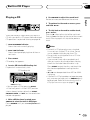
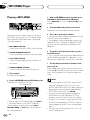
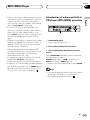
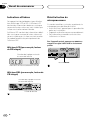
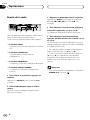
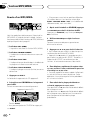
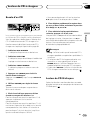
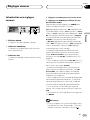
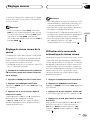
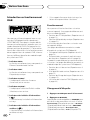
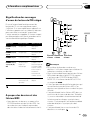
1 FUNCTION display
Shows the function status.
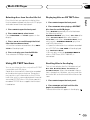
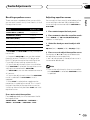
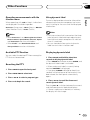
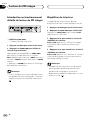
1 Press SOURCE and hold until the unit turns
off.
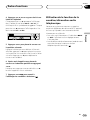
2 Press OPEN to open the front panel.
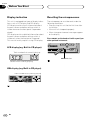
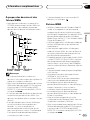
2 Press FUNCTION to select CLOCK.
Press FUNCTION until the time appears in the
display.
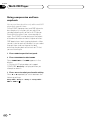
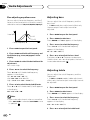
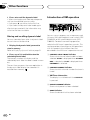
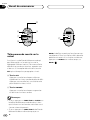
3 Select the portion of the time display you
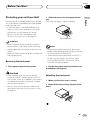
wish to set with 2/3.
Pressing 2/3 will select a portion of the clock
display:
HOUR—MINUTE
As you select portions of the clock display the
portion selected will blink.
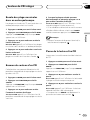
3 Press FUNCTION and hold until CLOCK
appears in the display.
4 Press FUNCTION to select one of the initial
settings.
Press FUNCTION repeatedly to switch between
the following settings:
CLOCK—WARN—D OPEN—AUX—DIM—
BRIGHT—SW—TEL—DISP
Use the following instructions to operate each
particular setting.
• To cancel initial settings, press BAND.
• You can also cancel initial settings by holding
down FUNCTION until the unit turns off.
44
En
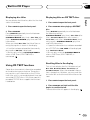
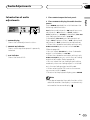
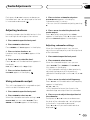
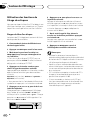
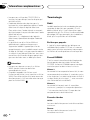
4 Select the correct time with 5/∞.
Pressing 5 will increase the selected hour or
minute. Pressing ∞ will decrease the selected
hour or minute.