1
VN-V25U_EN.book Page 74 Friday, November 2, 2007 11:26 PM
Operation
Operation of Built-in Viewer
(continued)
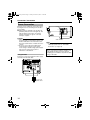
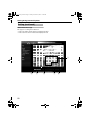
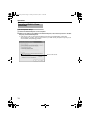
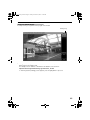
Internet Explorer Setup
1. Launch the Internet Explorer on the computer
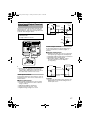
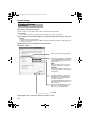
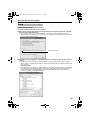
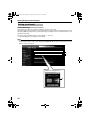
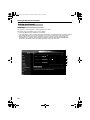
2. When proxy settings are enabled in the Internet Explorer, follow the steps below to disable
the proxy of the Internet Explorer
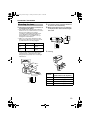
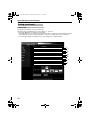
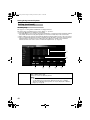
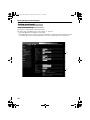
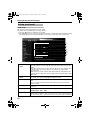
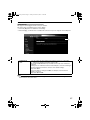
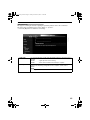
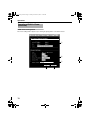
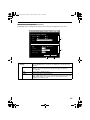
● Select in the order of [Tool]-[Internet Options]-[Connections]-[LAN Setting], followed by
deselecting the check for AUse a proxy server for your LANB under [Proxy Server] in the [Local
Area Network (LAN) Settings] window.
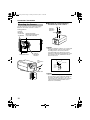
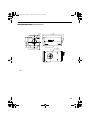
Deselect the check
74