1
4. Basic Operation
2. Subtitle
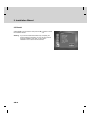
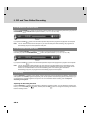
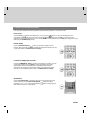
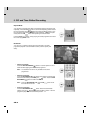
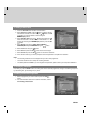
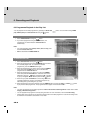
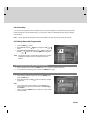
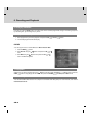
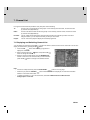
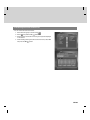
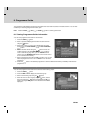
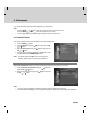
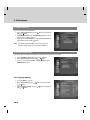
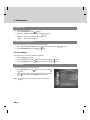
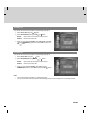
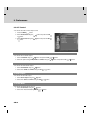
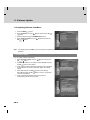
If the current programme provides subtitle information, you can select the language for the subtitle.
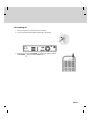
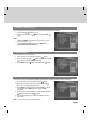
1. Press the OPT+
button.
2. Select Subtitle using the
button.
button and press the OK
or
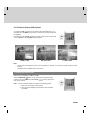
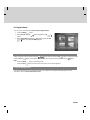
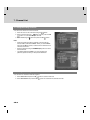
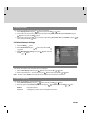
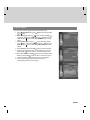
3. Select the subtitle language using the
button and press the
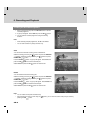
button. The subtitles will be displayed at the bottom of
OK
the screen.
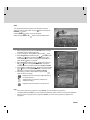
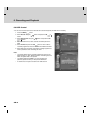
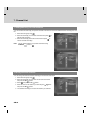
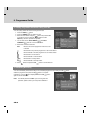
4. Select Off from the subtitle menu to switch the subtitles off.
**
**
Note:
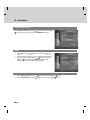
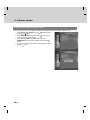
• You also can change the subtitle by pressing the SUBTITLE
button on the remote control.
•
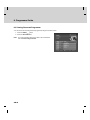
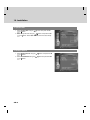
You can select a default subtitle language in MENU–Preferences–Language Setting–Subtitle Language.
•
You can use the hard of hearing subtitle if supplied by the broadcaster.
GB 26