1
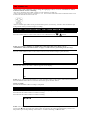
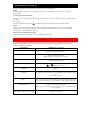
ON SCREEN DISPLAY
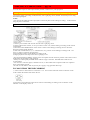
NOTE: VCR power and the "VCR" indicator must be on.
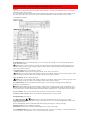
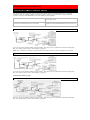
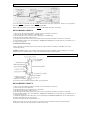
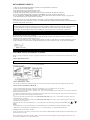
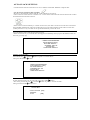
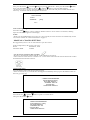
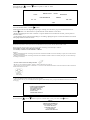
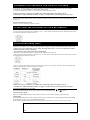
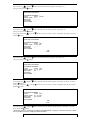
• To check the Count, Clock and Channel number, press the DISPLAY button on the remote control.
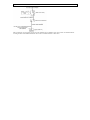
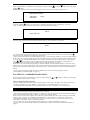
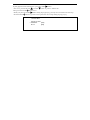
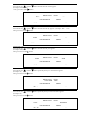
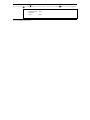
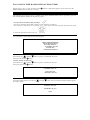
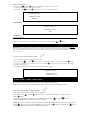
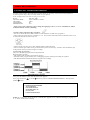
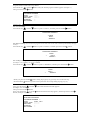
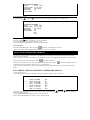
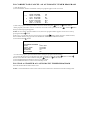
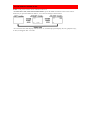
Each time you press the DISPLAY button , TV screen will change as shown below.
• It is normal for the status display (STOP, PLAY etc.) and the tape speed display (SP, LP, (playback only),
or SLP) to disappear after 5 seconds.